


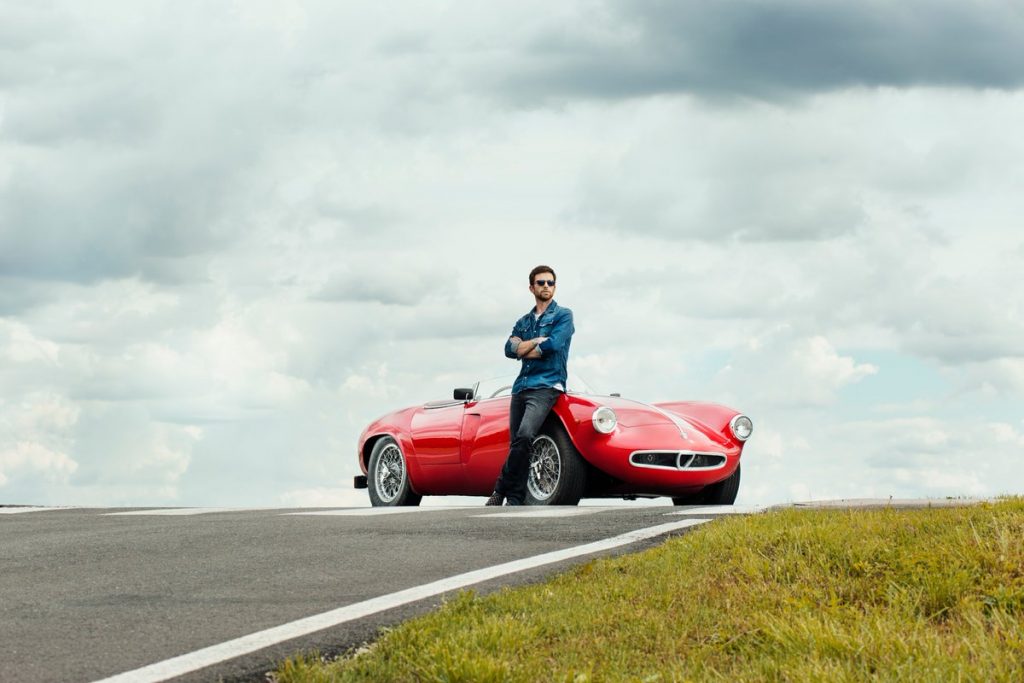

Guy Berryman is participating in the 2018 Mille Miglia as part of the Alfa Romeo team from May 16-19! This post will include updates on photos and videos throughout the event!
Here is our gallery for the event (with HQ photos!)
Check out Guy's interview with FCA Heritage!
For more content you can also check out The Road Rat Magazine or Derek Hill, Guy's co-driver for the event.
DAY 2 - MAY 17
Video
Photos
DAY 1 - MAY 16
Gallery
[ngg_images source=galleries" container_ids="1219" display_type="photocrati-nextgen_pro_horizontal_filmstrip" image_crop="0" image_pan="1" show_playback_controls="1" show_captions="0" caption_class="caption_overlay_bottom" caption_height="70" aspect_ratio="1.5" width="100" width_unit="%" transition="fade" transition_speed="1" slideshow_speed="5" border_size="0" border_color="#ffffff" override_thumbnail_settings="0" thumbnail_width="125" thumbnail_height="100" thumbnail_crop="0" ngg_triggers_display="always" order_by="sortorder" order_direction="ASC" returns="included" maximum_entity_count="500]
Video
Extra Content
https://twitter.com/_coldplayslove_/status/996716302709518341?s=12
https://www.instagram.com/p/Bi2EKRug8SP/
https://www.instagram.com/p/BizubVEgqFH/?taken-by=roadratmagazine
Recommended Comments