



Skip to content
View in the app

A better way to browse. Learn more.

Coldplaying

A full-screen app on your home screen with push notifications, badges and more.

To install this app on iOS and iPadOS
  1. Tap the Share icon in Safari
  2. Scroll the menu and tap Add to Home Screen.
  3. Tap Add in the top-right corner.
To install this app on Android
  1. Tap the 3-dot menu (⋮) in the top-right corner of the browser.
  2. Tap Add to Home screen or Install app.
  3. Confirm by tapping Install.

[AUDIO] Coldplay Release Snippets Of 'A Head Full Of Dreams'

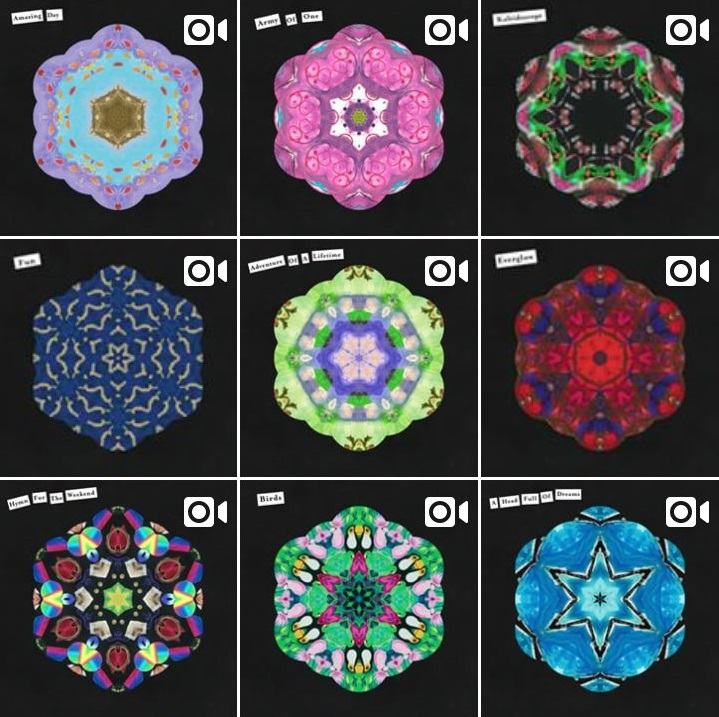
Coldplay have generated huge amounts of hype among fans during the whole of Tuesday, by posting a snippet every hour, from each track on their seventh album!The band's official Twitter, Instagram and Facebook pages posted the snippets in the form of artwork animations. Click here to cycle through them all (Via Facebook - Best quality audio).The artwork from the first 9 tracks, in a grid format (heading image) is with thanks to Coldplay Brazil.You can listen to all of the snippets, in combined audio below (Huge credit to our moderator, Batman):

Audio recording software >>Alternative linkLet us know your thoughts on the snippets, in our community, where you'll find a dedicated section for each song on 'AHFOD'!

User Feedback

Recommended Comments

There are no comments to display.

Guest
This is now closed for further comments

Account

Navigation

Search

Search

Configure browser push notifications

Chrome (Android)
  1. Tap the lock icon next to the address bar.
  2. Tap Permissions → Notifications.
  3. Adjust your preference.
Chrome (Desktop)
  1. Click the padlock icon in the address bar.
  2. Select Site settings.
  3. Find Notifications and adjust your preference.