


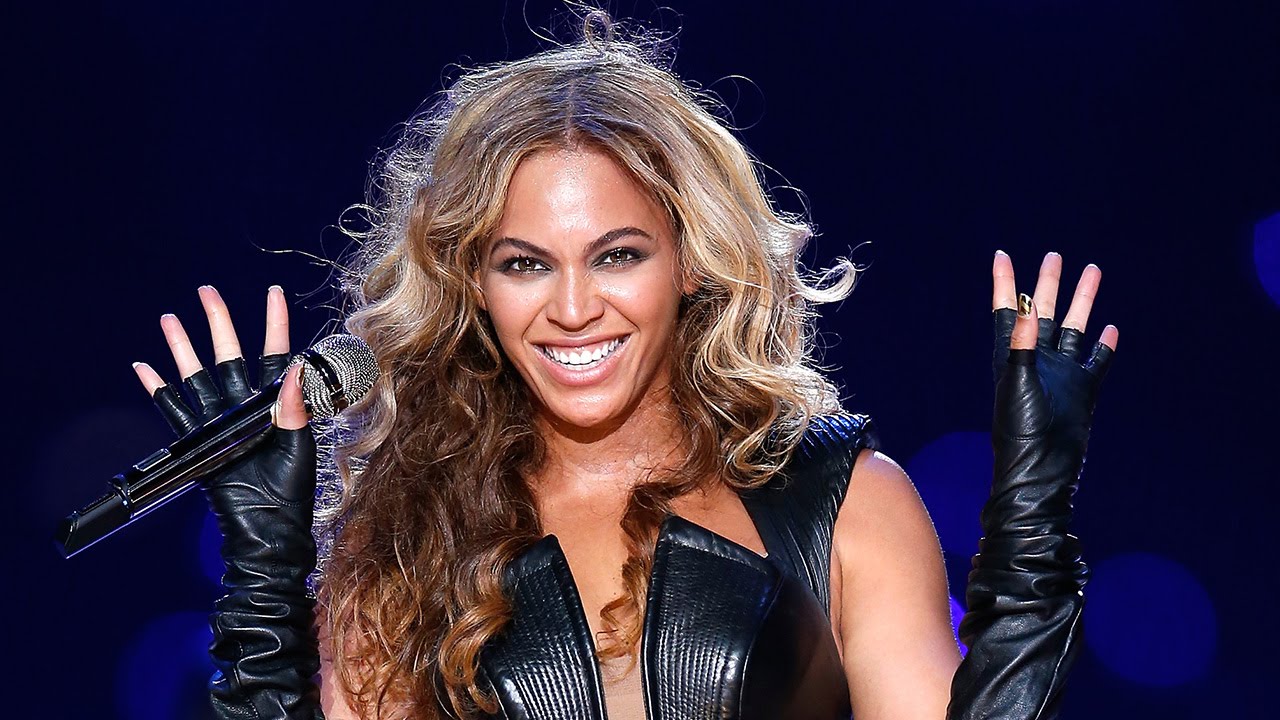

Entertainment Weekly has confirmed that Queen Bey herself, Beyonce will join Coldplay at the Super Bowl 50 halftime show!
Beyonce is expected to perform Hymn for the Weekend from Coldplay's latest album, A Head Full of Dreams which features vocals from the singer. Representatives for Beyonce and the NFL have not responded to requests for comments yet.
ET previously reported that the "Uptown Funk" singer, Bruno Mars would also be joining Coldplay on stage after headlining last year's halftime show.
https://www.youtube.com/watch?v=VQvRarvD6VE
"We're gonna give it everything we have" the band's frontman Chris Martin spoke excitingly in a video interview with Pepsi.
The band's artistic director and childhood friend, Phil Harvey previously hinted there would be “special guests” involved in the band’s halftime show — and there may even be one more musical act joining Beyonce and Bruno Mars.
Super Bowl 50 will take place at Levi's Stadium in Santa Clara, California, on Sunday, Feb. 7, 2016, airing live on CBS. You can catch our live coverage right here on the biggest Coldplay fan site!
Recommended Comments