


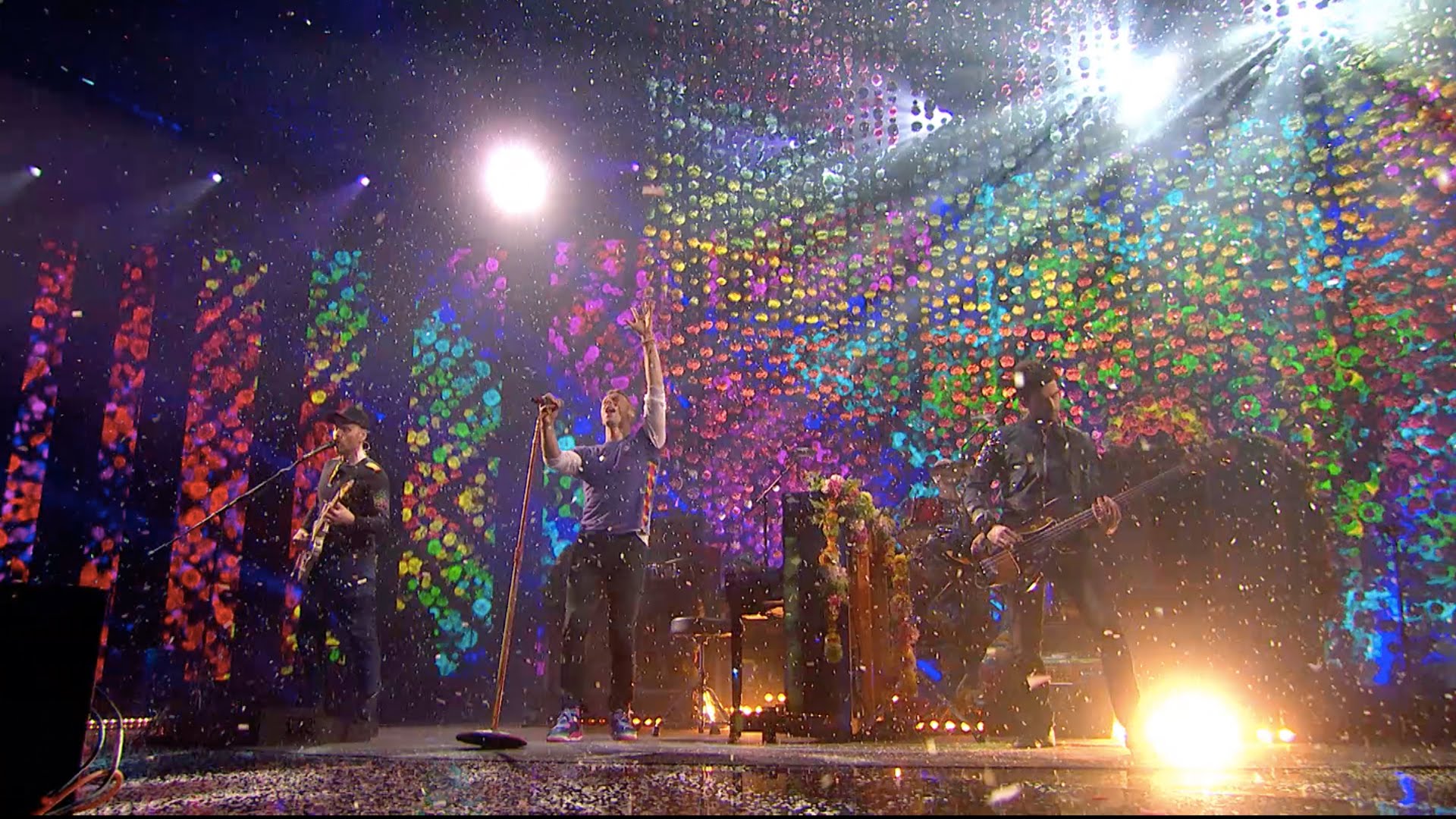

Coldplay have had a massive night at the Brits, winning two awards and performing Hymn For The Weekend! While Coldplay were only nominated for Best British Band and British Album of the Year, Adele obviously took the best album leaving Coldplay with the award for best British band!
To kick off the show, Coldplay performed Hymn for the Weekend without Beyonce. Instead Will performed Beyonce's 'oohs' and 'ahhs' and quite frankly, was better than Queen Bey herself. To top it all off, the band took home the award for Best British Band and made an awesome speech referring to themselves as One Direction at the end!

After the esteemed awards ceremony, Coldplay are due to play quite a small show at the 'Indigo at the o2" The gig will fundraise for War Child’s vital work providing protection to children whose lives are torn apart by conflict. Keep an eye on our social media sites for minute by minute updates, photos, videos and a setlist after the event!
For now, check out Coldplay's performance of Hymn For The Weekend which was uploaded right after the event!
Recommended Comments