


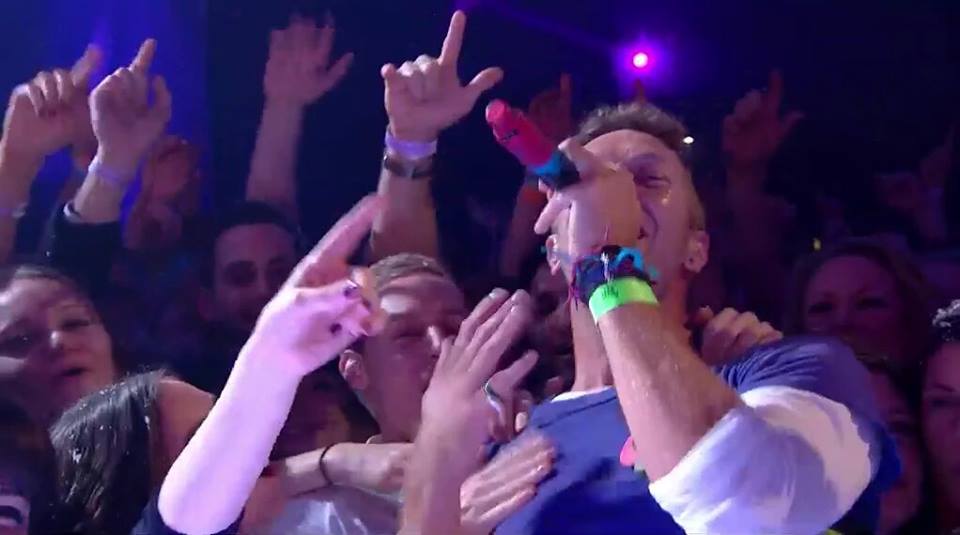

Coldplay's first single from the 'A Head Full Of Dreams' era made it's live debut this evening on TFI Friday in the UK.
The host of TFI Friday, Chris Evans entertained Chris, Jonny, Will and Guy in the chat portion of the show by performing a series of funny tasks, such as attempting to play the banana piano (See below) but Chris just couldn't work it out!!
The band performed at the end of an intriguing show and as the flower of life beamed onto the surface of the stage, Coldplay were ready to perform 'Adventure Of A Lifetime' for the first time (of many!). Needless to say, the crowd were digging the tune and were shuffling their feet! Performance wise, Coldplay were evidently shaking off a bit of rust but a good performance nonetheless. The song really stood out during the climax, when the crowd joined in with the 'Whooohooo's'. Very encouraging too, if you think of how it would sound at a Coldplay concert in front of 40,000 fans!
You can watch their performance, below:
https://www.youtube.com/watch?v=3XWiSTQLmjY
And for good measure, here's the extended advert for 'A Head Full Of Dreams', which delightfully appeared during the ad break of TFI Friday:
(Thanks Sonny)
Recommended Comments