


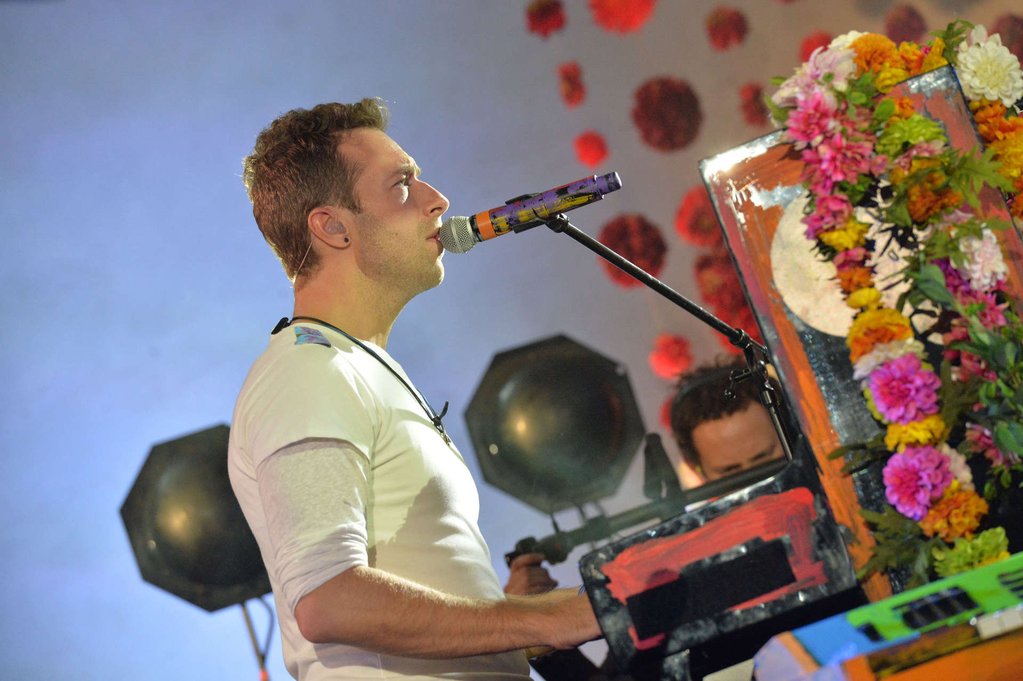

On the eve of the release of their seventh LP A Head Full Of Dreams, Coldplay stopped by BBC Radio 1's Live Lounge to perform an acoustic version of the album’s disco-pop lead single “Adventure Of A Lifetime.” The band performed 2 songs, Christmas Lights and Adventure of a Lifetime at the St John at Hackney Church in London.

Jonny Buckland’s cascading guitars were still intact, but for this outing Chris Martin’s piano provided most of the song’s heft, and the band got an assist from Annie Mac’s in-studio handclaps.
Had a surreal morning providing handclaps for @coldplay live lounge. Tune in tonight to hear them play a live gig for my show! @BBCR1 7pm X
— Annie Mac (@AnnieMac) December 3, 2015

Today's performance was a build up for tonights special BBC Radio 1 Annie Mac gig. The band are believed to play a number of new songs while also playing some classics! For more information about tonight's gig visit here.

The band also dusted off their 2010 holiday release “Christmas Lights” for good measure. A video of their Live Lounge performance will be available on BBC's iPlayer later today. Check out the full performance up on our new forums!
Recommended Comments