


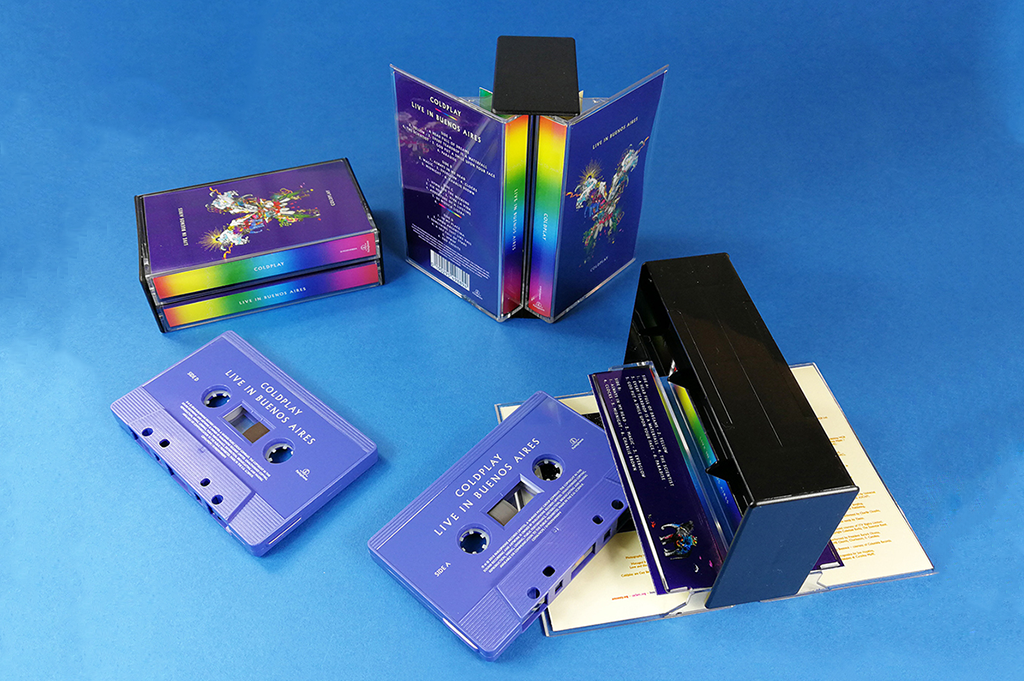

Coldplay have announced a limited edition cassette of the Live in Buenos Aires album alongside an exclusive fanzine all about the Butterfly Package.
The double cassette is limited to 1000 copies worldwide and the Butterfly Zine is limited to 1500 copies. The fanzine contains interviews from Mat Whitecross, Kristjana S Williams and Rick Simpson plus photos from Matthew Miller and an intro from Dave Holmes, Coldplay's manager.
The Butterfly Package is now available to buy on CD, Vinyl and Cassette on the Coldplay Store
[ngg_images source=galleries" container_ids="1225" display_type="photocrati-nextgen_pro_horizontal_filmstrip" image_crop="0" image_pan="1" show_playback_controls="1" show_captions="0" caption_class="caption_overlay_bottom" caption_height="70" aspect_ratio="1.5" width="100" width_unit="%" transition="fade" transition_speed="1" slideshow_speed="5" border_size="0" border_color="#ffffff" override_thumbnail_settings="0" thumbnail_width="125" thumbnail_height="100" thumbnail_crop="0" ngg_triggers_display="always" order_by="sortorder" order_direction="ASC" returns="included" maximum_entity_count="500]
Recommended Comments