



Skip to content
View in the app

A better way to browse. Learn more.

Coldplaying

A full-screen app on your home screen with push notifications, badges and more.

To install this app on iOS and iPadOS
  1. Tap the Share icon in Safari
  2. Scroll the menu and tap Add to Home Screen.
  3. Tap Add in the top-right corner.
To install this app on Android
  1. Tap the 3-dot menu (⋮) in the top-right corner of the browser.
  2. Tap Add to Home screen or Install app.
  3. Confirm by tapping Install.

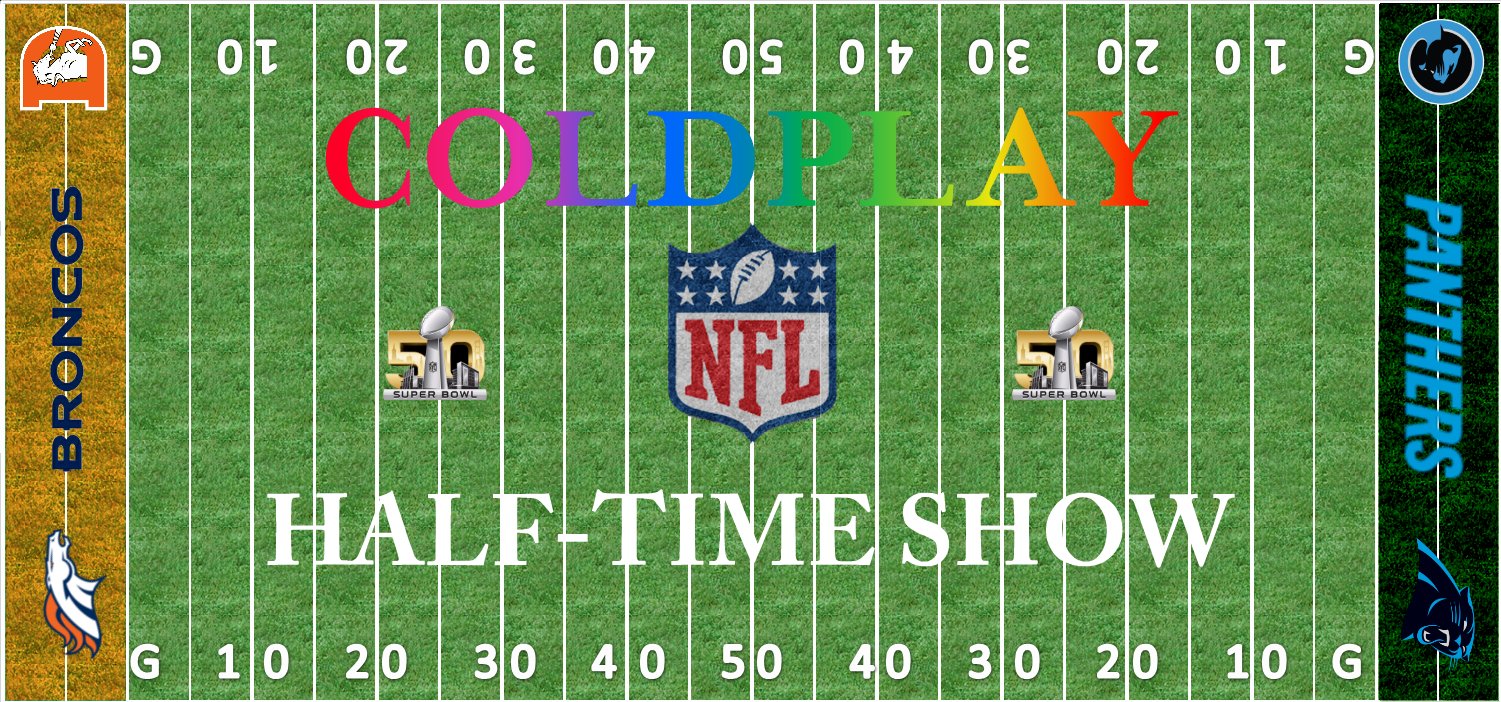
[LIVEBLOG] Coldplay Perform at the Super Bowl Halftime Show

This is it. The biggest show in Coldplay's career. We have extensive coverage of the event on all our social media accounts including this LiveBlog!


Where can I follow along/get updates?

As always our TwitterFacebookInstagram and Snapchat will have the latest updates, photos and videos from the performance.


You can also follow along in our forums where our users will be discussing the event liveas it happens! Visit our official Super Bowl discussion thread here.


Check out our Halftime show info article if you need to find out what time Coldplay play, where to watch it etc.

Livestream


(function() {

var lb24 = document.createElement('script'); lb24.type = 'text/javascript'; lb24.id = '24lbScript'; lb24.async = true; lb24.charset="utf-8";

lb24.src = '//v.24liveblog.com/embed/24.js?id=1317510';

(document.getElementsByTagName('head')[0] || document.getElementsByTagName('body')[0]).appendChild(lb24);})();

User Feedback

Recommended Comments

There are no comments to display.

Guest
This is now closed for further comments

Account

Navigation

Search

Search

Configure browser push notifications

Chrome (Android)
  1. Tap the lock icon next to the address bar.
  2. Tap Permissions → Notifications.
  3. Adjust your preference.
Chrome (Desktop)
  1. Click the padlock icon in the address bar.
  2. Select Site settings.
  3. Find Notifications and adjust your preference.