


Skip to content
View in the app

A better way to browse. Learn more.

Coldplaying

A full-screen app on your home screen with push notifications, badges and more.

To install this app on iOS and iPadOS
  1. Tap the Share icon in Safari
  2. Scroll the menu and tap Add to Home Screen.
  3. Tap Add in the top-right corner.
To install this app on Android
  1. Tap the 3-dot menu (⋮) in the top-right corner of the browser.
  2. Tap Add to Home screen or Install app.
  3. Confirm by tapping Install.

Premier Of New Single (AOAL) On BBC Radio 1 Breakfast - Friday 07:30 UK Time

In today's teaser video, Coldplay's official page revealed the presumed release time of the first single from 'A Head Full Of Dreams'.
">
">

#AOAL #AHFOD

Posted by Coldplay on Thursday, 5 November 2015Facebook video link'AOAL' (Full name not known yet) will receive it's first play on Nick Grimshaw's show on BBC Radio 1 Breakfast, from 07:30 on Friday morning in the UK.
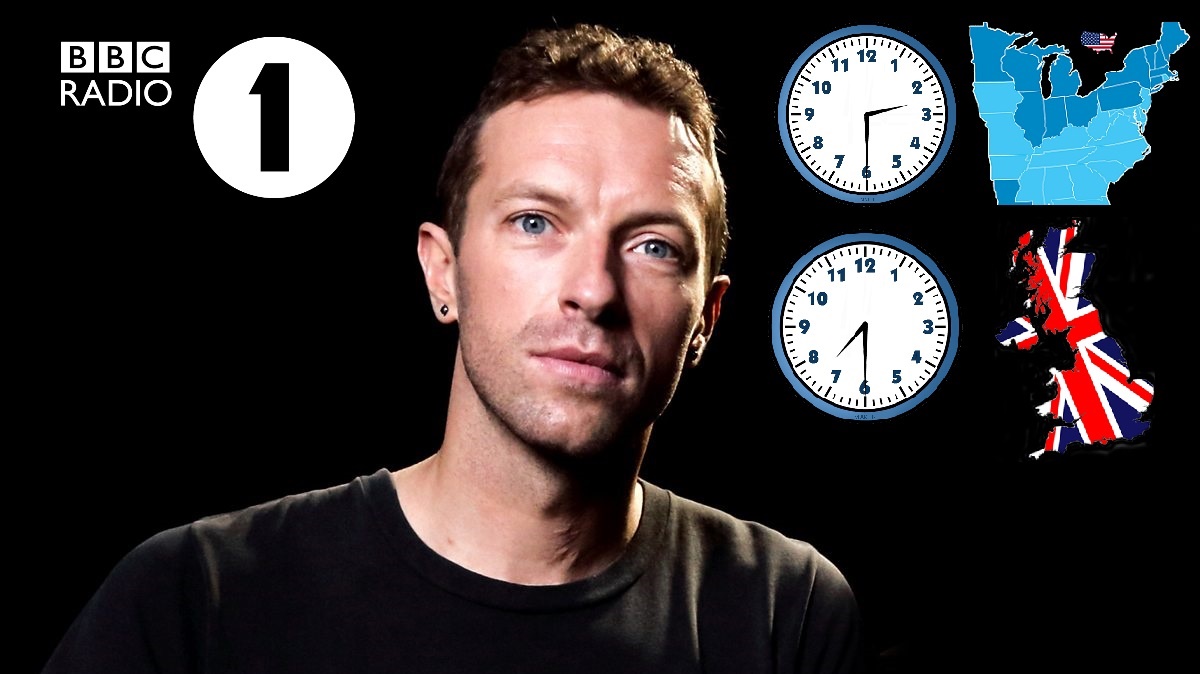
Click here to view the countdown timer / event time for where you live

(This one is set for 07:45. We would advise you to listen 15 minutes before)We're expecting Coldplay to be super busy tomorrow, when their new single debuts on UK radio. 'AOAL' may be available to purchase straight away, or at least uploaded onto Youtube. Here's the predicted schedule, based on UK time07:30: BBC Radio 1 - The Nick Grimshaw show: First play of the new Coldplay single & possible interview (CONFIRMED)After 07:45: 1Live in Germany - Phone interview rumoured on morning show (RUMOUR - Thanks Mafuyu)Throughout the day: BBC Radio 2 with Chris Evans - Coldplay interview (ALMOST CERTAIN) 20:00: Channel 4 on TFI Friday (Hosted by Chris Evans) - Coldplay interview and/or live debut of single (ALMOST CERTAIN) All streaming links and event information will be posted on our forum thread below.

Event : Premier of AOAL on BBC Radio 1

User Feedback

Recommended Comments

There are no comments to display.

Guest
This is now closed for further comments

Account

Navigation

Search

Search

Configure browser push notifications

Chrome (Android)
  1. Tap the lock icon next to the address bar.
  2. Tap Permissions → Notifications.
  3. Adjust your preference.
Chrome (Desktop)
  1. Click the padlock icon in the address bar.
  2. Select Site settings.
  3. Find Notifications and adjust your preference.
