


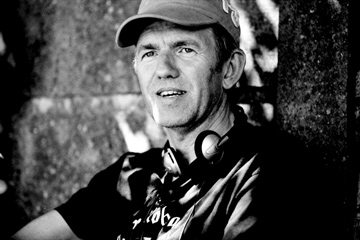

In October 1979, photographer Anton Corbijn, the son of a rural Dutch Protestant minister, set out for England in pursuit of Unknown Pleasures. That was the title of the dark, expansive debut album from the Manchester post-punk band Joy Division, and to Corbijn it was an artistic clarion call.
"I thought, 'I want to be where that music comes from,' " says Corbijn, now 52. "It was my mission to photograph Joy Division." Within two weeks he took an iconic picture of the band that showed singer and lyricist Ian Curtis turning back toward the camera, with unwitting portent, while his bandmates faced forward; six months later, Curtis killed himself at the age of 23.
Now Corbijn, whose photographs and videos have since defined the unadorned aesthetic of a generation, has retold Curtis' tale in his first feature film, Control, released on — Oct.5. Corbijn says making the film has served to "round off a certain part of my life," in which music has been his prime inspiration; it also offers a powerful new outlet for the narrative gift that has always been his artistic trademark.
But in fact most of us own a Corbijn: his artwork covers more than 100 records or CDs, and anyone who has watched MTV or VH1 will have seen one of the 80 or so music videos Corbijn has directed for acts such as Depeche Mode, Nirvana and Coldplay (Talk).
Read the full article here

Recommended Comments