


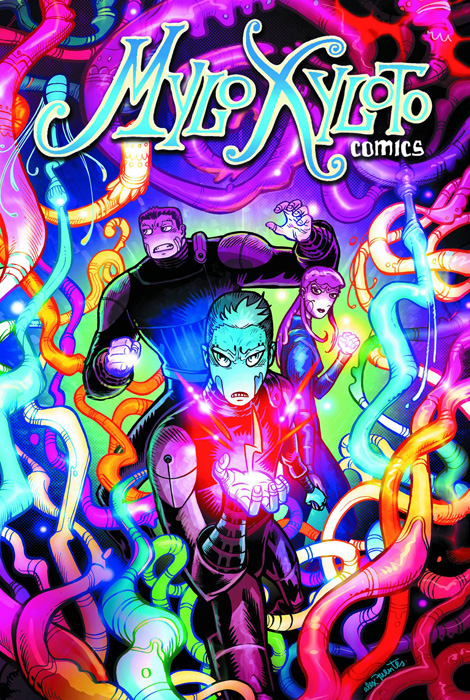

Coldplay have announced this week the digital release of its Mylo Xyloto comic book series, based on the 2011 album. The series is published by Matt Groening's Bongo Comics Group.
Written by filmmaker Mark Osborne (Kung Fu Panda, The SpongeBob SquarePants Movie) with help from Coldplay, the six-part saga depicts an Orwellian society ruled by a supremacist government that controls the population via fear tactics and over-stimulation through media and propaganda.
Issues 1-3 are now available exclusively via Apple's iBookstore, with the rest of the series to be released monthly until July. Issue 1 is currently available for free as the iBookstore's Book of the Week.
In conjunction, Coldplay has announced a special release for the upcoming Record Store Day UK on April 20th, that packages the Mylo Xyloto album (which has sold over six million copies) with Issue 1 and a special 7-inch vinyl picture disc featuring "Hurts Like Heaven" and "Us Against The World (Live)."
Coldplay are now in good company among other band-branded graphic arts series. Indie artist Daniel Johnston has been a longtime comic artist and released the book Space Ducks last year. My Chemical Romance frontman’s Gerard Way’s Eisner Award-winning comic book The Umbrella Academy is currently being developed into a feature film by Universal.
Have you read the comic series so far? Let us know at the Mylo Xyloto sub-forum now!
The covers of the six-comic Mylo Xyloto series, in order 1-6:


Recommended Comments