




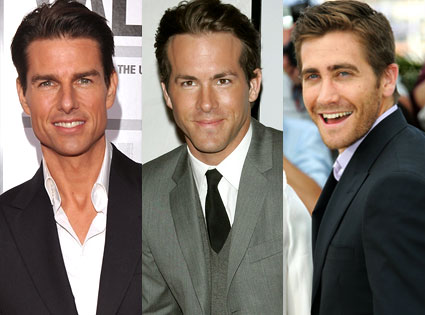
 The stars were shining at Coldplay's Saturday-night concert at the Home Depot Center in Carson, CA. Spotted backstage coming and going throughout the show and at the VIP afterparty were Tom Cruise, Ryan Reynolds, Jake Gyllenhaal, Ginnifer Goodwin and, of course, frontman Chris Martin's wife Gwyneth Paltrow, writes E! Online.
Meanwhile, director Jon Favreau hosted the Iron Man sequel wrap party last night for about 400 people at new celeb hot spot Playhouse in Hollywood. Favreau spent most of the night playing DJ. No surprise, but "he played a ton of Michael Jackson," according to one partygoer.
The flick's cast wasn't spotted at the bash, but that's no biggie. Big wrap parties are more for the crew than the stars. And remember last week how I told you that it appears Vanessa Minnillo is getting along just fine since her split from Nick Lachey?
Well, Mr. Lachey is doing OK, too. He was seen yesterday afternoon hanging with a group of four girls and two guys at the Water Club's pool in Atlantic City. A source said, "Nick was very friendly and left a nice big tip."
More photos of Coldplay at Home Depot Center, Carson, CA (18th July 2009):


Pictures by u2soul @Flickr
Recommended Comments