




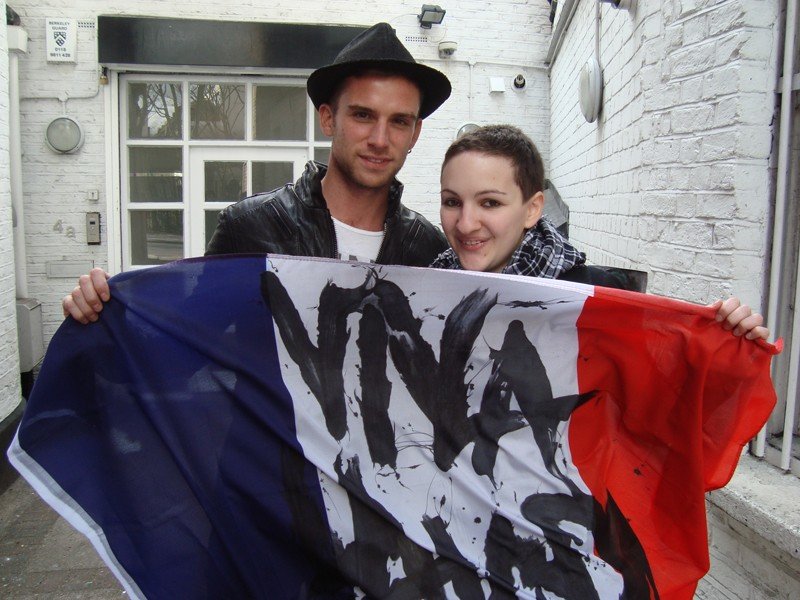
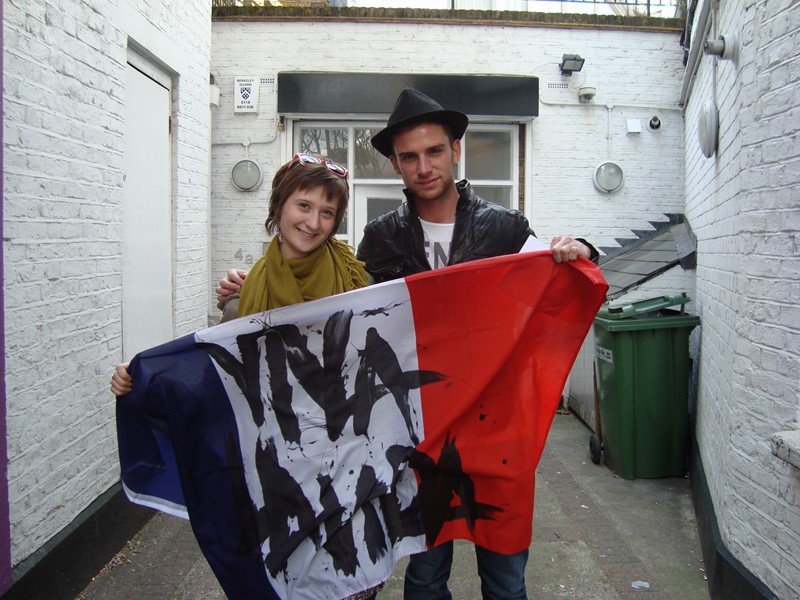
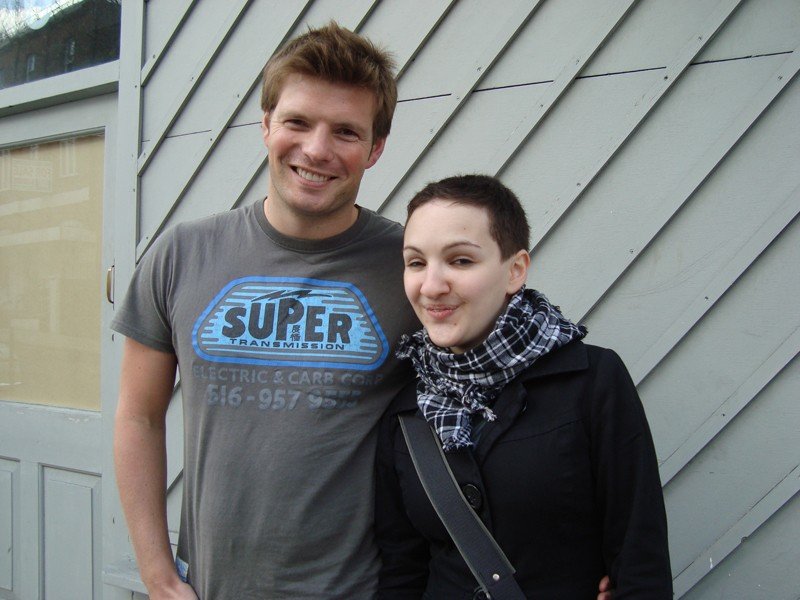
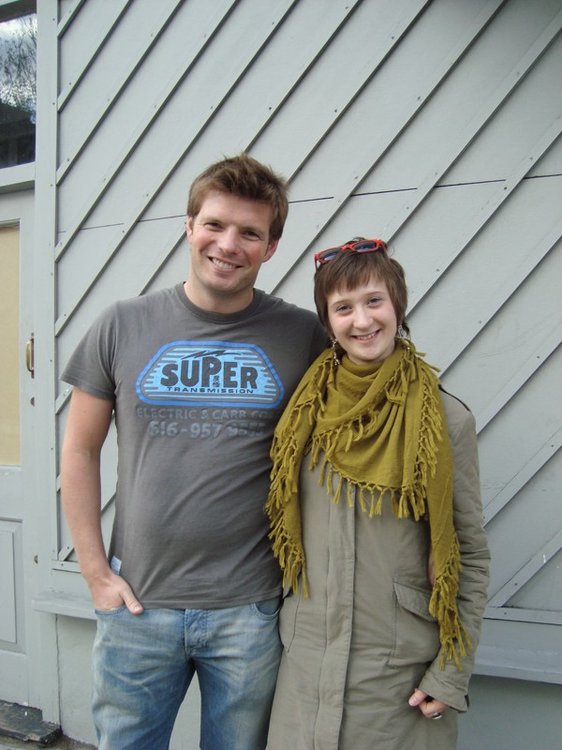
 Opportunistic Coldplay fans Charlotte and Camille visited Coldplay's studio HQ in London earlier, and met Guy Berryman and Phil Harvey who happened to be there at the time. Here's their story:
So considering Cha had never visited the Bakery I brought her there as she's currently staying in England for 5 days in order to visit the country. I went there few times with Chavi (never met any member of the band) and wasn't expecting to meet anyone.
Was supposed to be a RAINY DAY today but it seems that it was OUR day cause it was totally sunny. Anyway when we arrived there I told her I was always a bit ashamed to ''stalk'' and didn't really want to do so I wanted it to be QUICK. She just wanted to take few pics and put a painting of Jonny she made in the mailbox along with few words. We sat down on the bench (didn't even have time to turn around to show her the back of the Bakery, nor to have a close look at the door, we just SAT DOWN on that bloody bench) she took a pen, a sheet and said ''what should I write ?'' after few seconds we decided to start the ''letter'' with a frenchy ''Bonjour Coldplay''.
Read the full review and discuss the new pictures of Guy and Phil at the Coldplay forum here onwards [thanks Pris & Khalplay]
Recommended Comments