


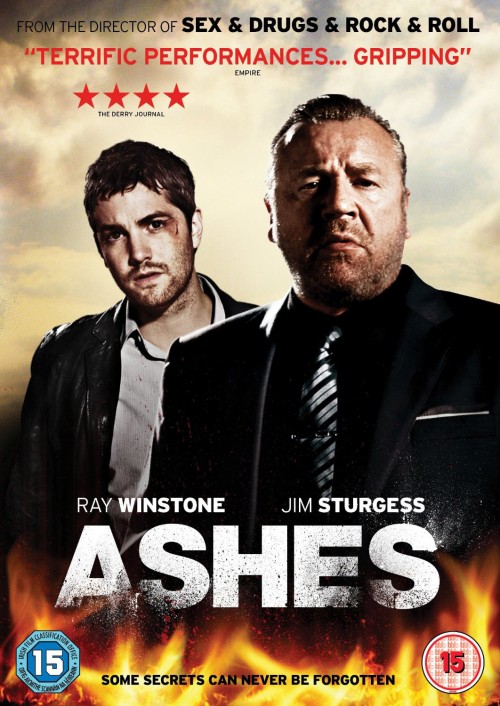

Remember when it was announced that Coldplay were co-financing a movie? Well, that was almost two years ago, and the fruits of their money's labour will now be seen in the finished product, 'Ashes' a film noir boasting actors Ray Winstone, and co-starring Jim Sturgess, Luke Evans and Lesley Manville. Discussion and comments on the film are at the Coldplay forum now.
The film lists Chris Martin, Jonny Buckland, Will Champion and Guy Berryman as executive producers. Here's the synopsis: Jamie (Jim Sturgess), after many months of searching, finally tracks down his estranged father (Winstone), and together they embark on a dangerous road trip. However, with Frank becoming more unstable and Jamie's motives unclear, the journey gradually unravels their dark and sinister pasts.
Mat Whitecross, a frequent collaborator with Coldplay who recently directed their video for Paradise (and also directed the Ian Dury biopic "Sex And Drugs And Rock And Roll") got behind the camera again here, and if the results look straight-to-DVD quality, well, that's because it is. The movie has skipped theaters and will land on DVD in the UK on January 28th. No word yet if or when it will cross the pond to the US. Watch the trailer below...

Recommended Comments