



Check out the 2007 section of Coldplay.com for a new star.
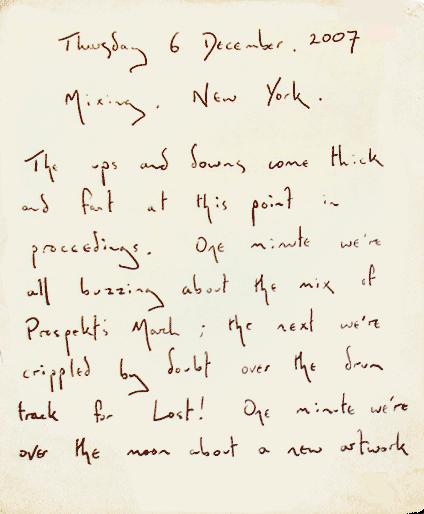
Thursday 6th December, 2007
Mixing, New York
The ups and downs come thick and fast at this point in proceedings. One minute we're all buzzing about the mix of Prospekt's March; the next we're crippled by doubt over the drum track for Lost!
One minute we're over the moon about a new artwork idea; the next, we're all gloomy about our slow progress in designing the live show. Later today, we've got a meeting about coldplay.com and how to make it the best darn website out there.
So, as you can gather, there's a lot going on... we're trying to pull all the threads together and get these songs (and all the hoopla that goes with them) ready to present to the big wide world. The funny thing is (and this is always the case), the creative momentum just keeps gathering. There's no sense of consolidation or winding down. In a couple of hours, we've got a colliery brass band (tubes, trumpets, French horns etc) coming in from Brooklyn to reinvent the third verse of Famous Old Painters. Hats off to producer Markus (Dravs) for finding a group of musicians playing a style of music unique to a small area of Northern England in New York City at 24 hours' notice. And Chris just keeps on writing... he's shown me five new songs in the last two days. I seriously don't know when he sleeps.
Prospekt.
More on this here onwards [thanks sylvia & Loretín]
Read the full chronology, including all Prospekt updates, at WikiColdplay


Recommended Comments