


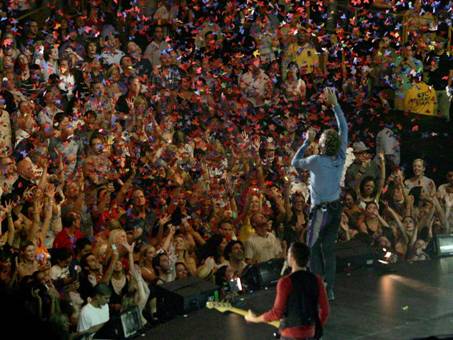

“I can tell this is gonna be a good one,” Chris Martin declared just two songs into Coldplay’s rousing tour kickoff Monday night at the Forum, the band’s first of two shows at the hallowed arena.
Even at that point, after the crowd erupted for “Violet Hill,” singing along as if its melody were as ingrained as those of “Clocks” or “Yellow,” it wasn’t hard to determine why Martin felt so optimistic. Here, like at no Southern California show the quartet has played, you could feel waves of ecstasy and electricity rippling through the audience the way they so often do at U2 shows – that overwhelming, inspirational sensation Coldplay has been aiming to achieve all along, and now finally has.
Main set: Life in Technicolor / Violet Hill / Clocks / In My Place / Viva la Vida / 42 / Yes / The Scientist / Chinese Sleep Chant / God Put a Smile Upon Your Face / Square One / Speed of Sound / Trouble / Lost! / Strawberry Swing / Yellow / Death Will Never Conquer / Fix You / Lovers in Japan/Reign of Love
Encore: Death and All His Friends
Read the full opening show review here

Recommended Comments