



More content has been added to the new Coldplay.com site.
Clues to find out what you're looking for are here [thanks fixed]
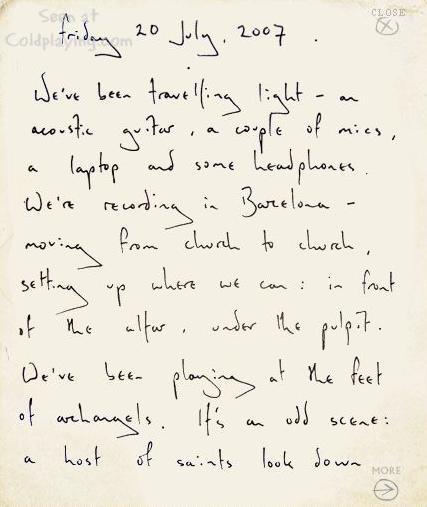
We've been travelling light - an acoustic guitar, a couple of mics, a laptop and some headphones. We're recording in Barcelona - moving from church to church, setting up where we can: in front of the altar, under the pulpit. We've been playing at the feet of archangels. It's an odd scene: a host of saints look down impassively upon four unkept band members, circled around a single mic stand - singing loudly together as recorded guitars reverberate around the church.
They're laying down backing vocals. Brian often joints them: group - singing is one of his great joys. Markus operates the recording and playback on his computer, asking for countless takes until he is finally satisfied.
The sights, sounds and flavours of Latin America and Spain have definitely infused into this album. The band visited Argentina, Chile, Brazil and Mexico earlier this year. Chris then came with the idea of recording in Spain. The music and lyrics have begun to reflect the strengthening Hispanic theme. No maracas or castanets, but a vibracy and colourfulness that owes much to the atmospheres of Buenos Aires and Barcelona. The effect is subtle but important.
Prospekt
[Thanks chueko]


Recommended Comments