


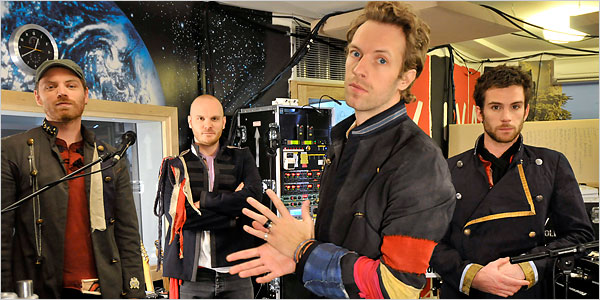

The full online New York Times article is now available (we alerted you to a preview yesterday). Here is an excerpt of the full article (full link at bottom):
Over a chai latte he [Chris Martin] discussed one of the central tracks on “Viva la Vida.” The song “42” begins with the classic Coldplay sound — Mr. Martin at the piano, delivering a profound-sounding rhyme in his upper register at a slow tempo — but after about 90 seconds it spirals off into multiple sections.
“That song is kind of a microcosm” of the entire album, he said. “The lyrics in the beginning are very much big themes, but then we go into this kind of silly jam we wrote one day when we were all hypnotized, and then it ends with this big, up-tempo, positive thing. I don’t know if it’s any good, but it definitely captures everything in one place.”
Mr. Dravs said that despite the album’s use of strings, dissonant guitars and Eastern percussion instruments, the key to executing the more ambitious songs was capturing more of the band’s onstage feel. “I was always impressed by the quality of their songwriting, but I thought it would be essential to retain the energy of their live performances,” he said. The one thing Mr. Martin insists never came into the studio was any sense of commercial pressure. The band members got too wrapped up in the business side the last time out, he said, and now (especially in light of the trade press asking things like “Coldplay: Can They Save the Day for EMI?”) they’re trying to keep their heads down.
Read the full article here

Recommended Comments