


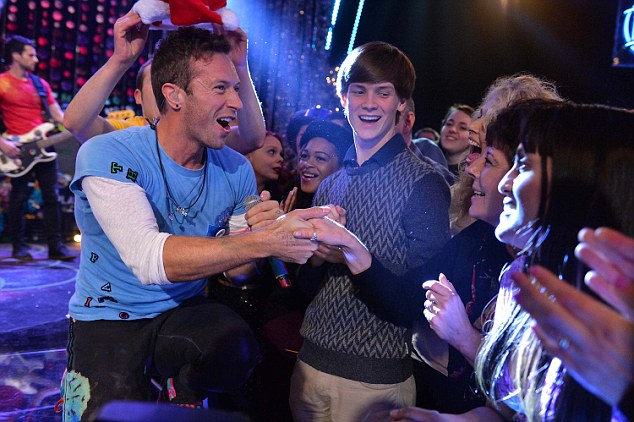

Thames TV, home of The X Factor, Britains Got Talent and more, is working on a new TV show where music artists surprise their fans! Below are details on the show and how you can apply. If enough Coldplay nominations are made, Thames TV will then contact the band and try to make someone's dreams come true!
Calling all music fans from the UK!
Do you know someone who deserves the performance of a lifetime? Thames TV is looking for your Secret Nominations.
Is a friend celebrating a milestone birthday? Is it someone's big anniversary? Or do you want to propose to the love of your life? Well with the help of your favourite music artist, this show could make that occasion extra special!
'Your Song' is a one off special. Imagine a TV show with amazing stories and superstar performances. We’re looking for members of the public who are deserving of a money can’t buy surprise performance from their favourite music artist.
Or do you know someone who is a budding artist/songwriter themselves and deserves to see their life and music be brought to life by someone special?
Nominations MUST be done in secret.
If you would like an application form please email [email protected] for more information.
Good Luck!!
Recommended Comments