


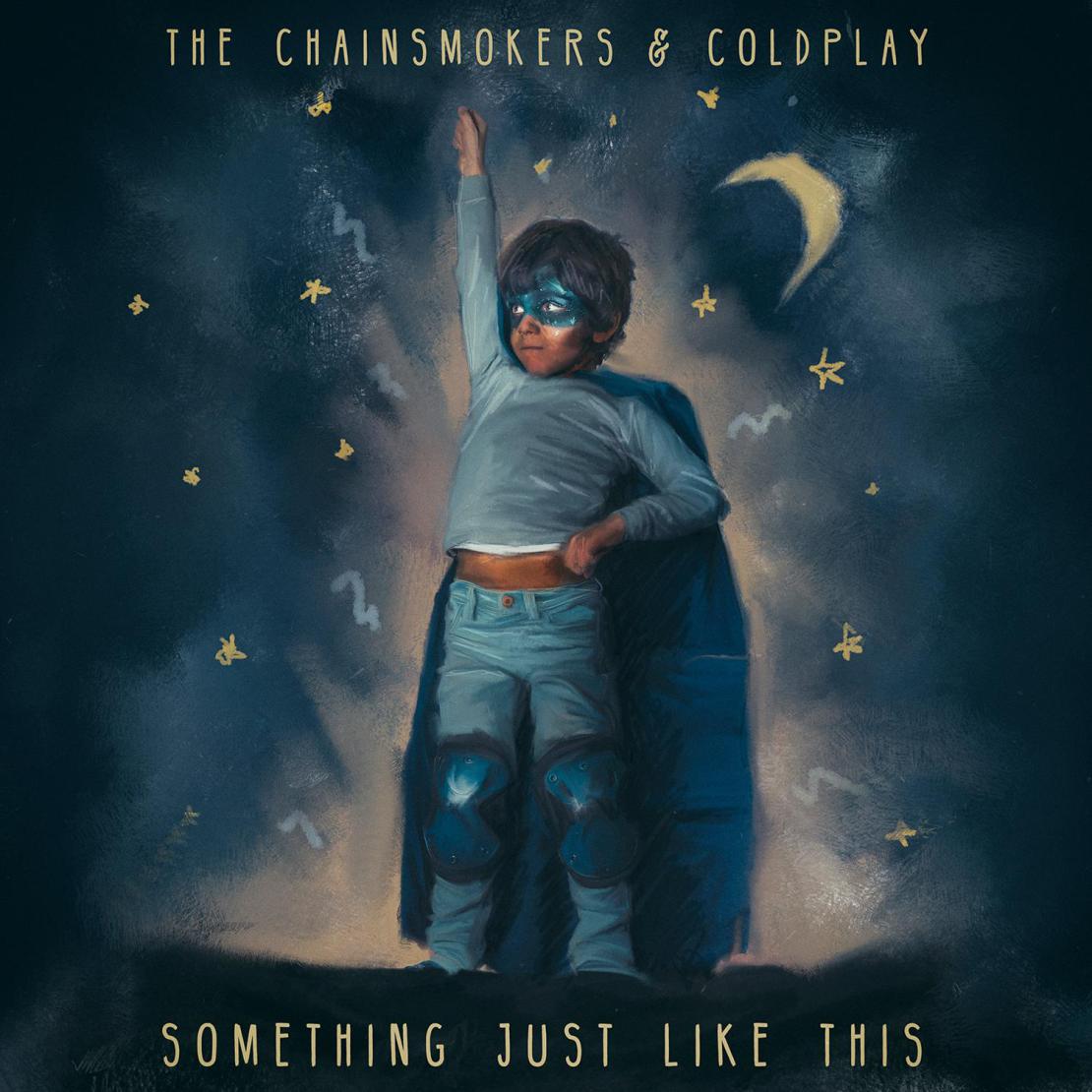

The Chainsmokers have just released their brand new track 'Something Just Like This' as part of a collaboration with Coldplay!
Earlier today we broke the news fters one of our staff spotted a leaked announcement for the new single on Spotify. The banner showed a graphic of a boy alongside text announcing the new track.
You can listen to the track below:
https://open.spotify.com/track/1dNIEtp7AY3oDAKCGg2XkH
We originally found out about the collaboration last September when The Chainsmokers posted a video on Snapchat of Chris Martin in the studio with them. In an interview with Rolling Stone, the American DJ duo called it "one of the dopest songs we've ever written". Their first recording session was late at night because the Coldplay frontman "wanted to start after he put his kids to bed".
https://twitter.com/coldplaying/status/776012958262517760
Last week iHeartRadio announced the line-up for their 2017 music awards which included The Chainsmokers. ALT 98.7 also tweeted a graphic promoting Chris Martin's performance at the show but it was quickly deleted. Could we see a live performance of Something Just Like Us at the iHeartRadio Music Awards?
Recommended Comments