


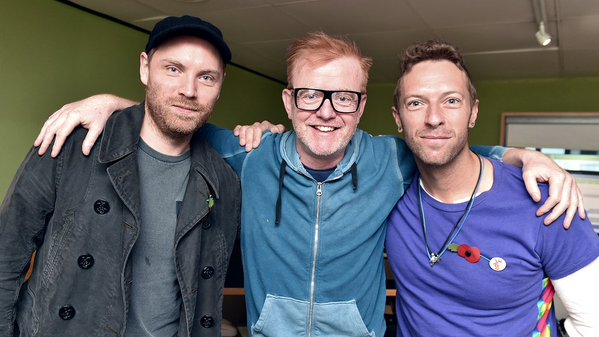

There are plenty of interviews to tell you about, since Coldplay's grand return on Friday. We've already witnessed the boring songs challenge on BBC Radio 1, a more Sirius interview (sorry) and Chris attempting to play the banana piano!
One of the interviews which fell below the radar was Chris & Jonny's original chat with Chris Evans, on BBC Radio 2, Friday morning. During the interview, Coldplay's frontman tells us how the band wanted to 'make something more joyful and colourful' as the seventh record.
You can listen to their interview, here.
(Thanks atlas2000)
Chris Martin & Jonny Buckland On Absolute Radio
The duo recently joined DJ, Christian O'Connell on air at Absolute Radio for the 'Random game' and to talk about certain subjects, such as a rejected collaboration from David Bowie. Worth a watch!
And you can listen to the full session, here (From the 54 min mark - Thanks to 0o0jackie0o0 and atlas2000)
Coldplay Frontman Presents Teen Hero Award To Young Fan
A heartwarming moment, as the British singer pops out of nowhere and presents a talented young teen a signed guitar, at the BBC Teen Awards. You can watch the clip below: (Thanks Atlas Project)
VIDEO: Chris Martin at the BBC R1 Teen Awards to give Teen Hero winner Alice her award #R1TeenAwards pic.twitter.com/pGoHNvRlUM
— Atlas Project (@ColdplayAtlas) November 8, 2015
Recommended Comments