


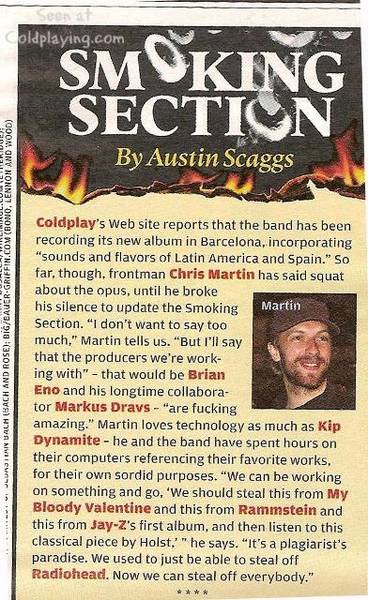

Chris Martin, talking about Coldplay's 4th album has praised the producers working on the record. The Rolling Stone magazine reports:
Coldplay's website reports that the band has been recording its new album in Barcelona, incorporating "sounds and flavours of Latin America and Spain." So far though, frontman Chris Martin has said squat about the opus, until he broke his silence to update the Smoking Section (of Rolling Stone). "I don't want to say too much," Martin tells us. "But I'll say that the producers we're working with" - that would be Brian Eno and Marcus Dravs - "are fucking amazing."
Martin loves technology as much as Kip Dynamite - he and the band have spent hours on their computers referencing their favourite works, for their own sordid purposes. "We can be working on something and go, 'we should steal this from My Bloody Valentine and this from Rammstein and this from Jay-Z's first album, and then listen to this classical piece by Holst,'" he says. "It's a plagiarist's paradise. We used to just be able to steal off Radiohead. Now we can steal off everybody."
More on this article here [thanks Awhisper21]

Recommended Comments