




 Chris Martin made a surprise appearance at a pub charity gig in London last night. His mate Hot Fuzz actor, Simon Pegg, had put on a benefit night at the Boogaloo in Highgate, north London. The gig was organised by comedian Simon Pegg as a tribute to former landlord John Parkhouse who passed away. Read the full review at the Coldplay forum now [thanks mimixxx]
Chris performed a handful of songs and sounded in good sprits singing Coldplay's track Wedding Bells and Yellow. Simon Pegg also joined Chris on stage to play harmonica during a performance of Green Eyes. Chris also played a cover of the 1995 Oasis hit Wonderwall. When he performed the Oasis track, he brought a lucky audience member to the stage to help saying, "Fuck it I'll do it, but only if you do it with me."
Other celebs in the crowd included Ant and Dec. At one point Chris Martin couldn't decide which Coldplay song to play next so asked the audience. Someone from the crowd heckled back for him to play Wonderwall. He agreed to the request as long as the heckler came up as well. The pub was the inspiration for 'The Winchester' in Simon Pegg's film Shaun of the Dead.


Photographs courtesy of ThisIsFakeDIY
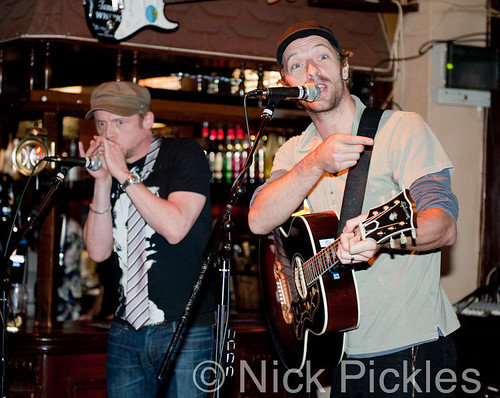


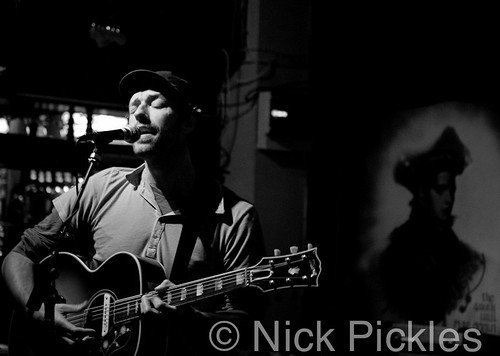
Photographs courtesy of Nick Pickles photography
Recommended Comments