



Skip to content
View in the app

A better way to browse. Learn more.

Coldplaying

A full-screen app on your home screen with push notifications, badges and more.

To install this app on iOS and iPadOS
  1. Tap the Share icon in Safari
  2. Scroll the menu and tap Add to Home Screen.
  3. Tap Add in the top-right corner.
To install this app on Android
  1. Tap the 3-dot menu (⋮) in the top-right corner of the browser.
  2. Tap Add to Home screen or Install app.
  3. Confirm by tapping Install.

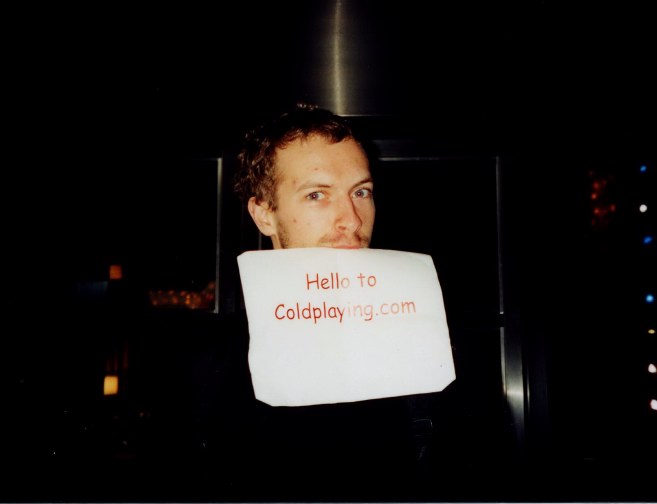
Chris Martin in Coldplaying pose

Thanks to Ada (messageboard regular), Coldplaying.com is well and truly on the Coldplay map thanks to a bit of advertisement by Chris Martin in San Francisco recently (whether it was before I wouldn't like to say - I sound like Chris and his modesty.)


Check out the messageboard at www.coldplaying.com/forum for more information and all the gossip from the fans!


Here is Chris in a Coldplaying pose (he was hungry at the time and decided on eating our mini-poster!)06591f80.jpg

User Feedback

Recommended Comments

There are no comments to display.

Guest
This is now closed for further comments

Account

Navigation

Search

Search

Configure browser push notifications

Chrome (Android)
  1. Tap the lock icon next to the address bar.
  2. Tap Permissions → Notifications.
  3. Adjust your preference.
Chrome (Desktop)
  1. Click the padlock icon in the address bar.
  2. Select Site settings.
  3. Find Notifications and adjust your preference.