




 Coldplay are apparently filming tonight's Barcelona concert for a live DVD, Spanish media newspapers are widely reporting this morning. 63,500 tickets for tonight's concert at Barcelona's Olimpic Stadium have been sold since April and the venue is now a total sell out.
According to the sources, the filming process will take place with a sophisticated camera system that includes a very high crane installed outside the stadium to capture aerial views of the show.
It is as yet unknown whether this news will be officially confirmed or if the DVD will also include footage from other stadium shows, including Paris and Wembley. More on this exclusive news is at the Coldplay forum here onwards. If you want to see the latest Tweets, pictures, videos and setlist news from tonight's concert in Barcelona then this is the place to go. [thanks Juanma8]
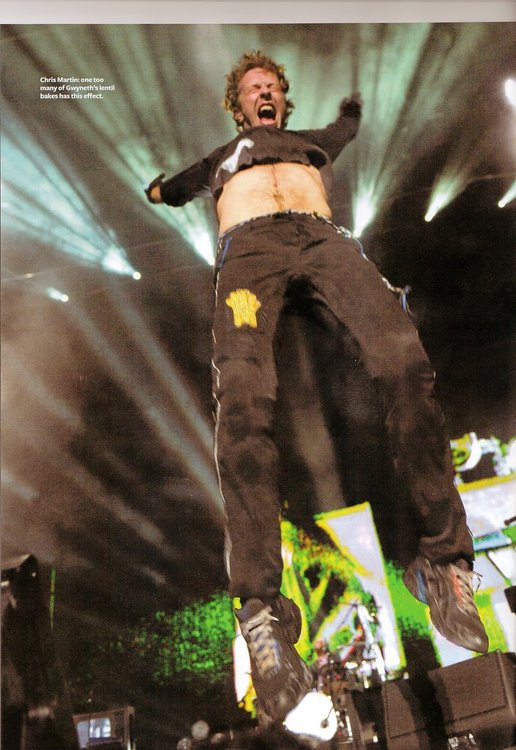
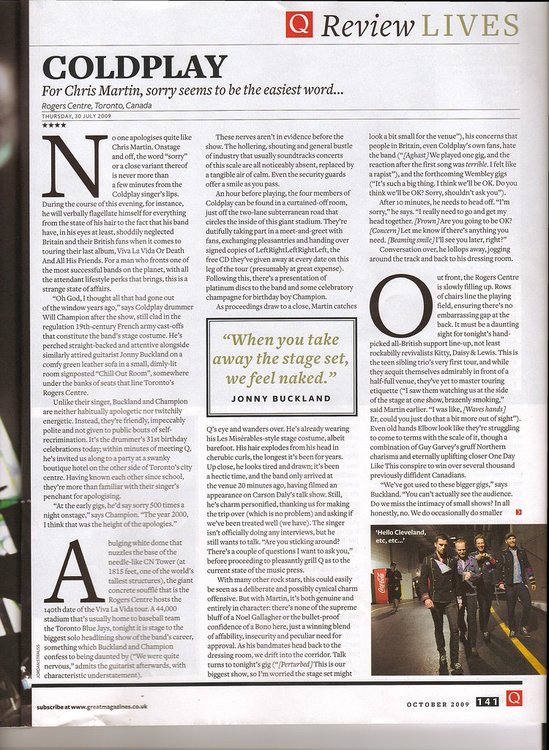
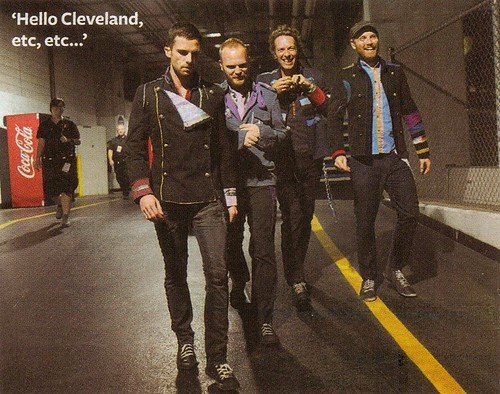
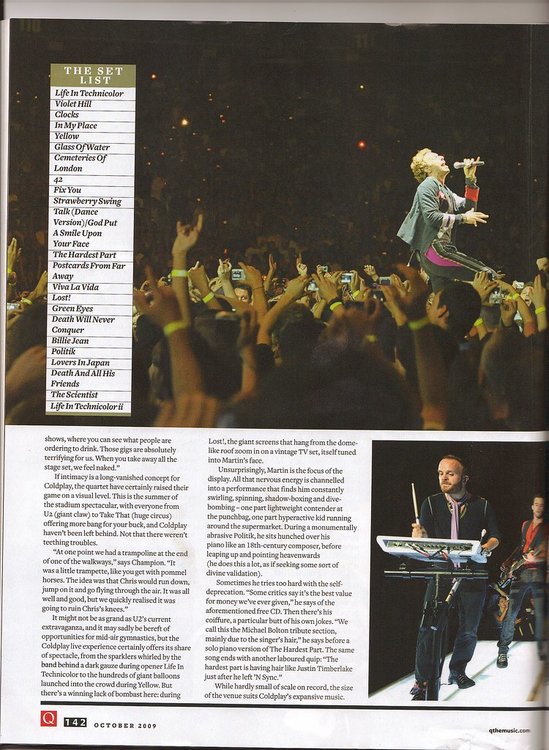
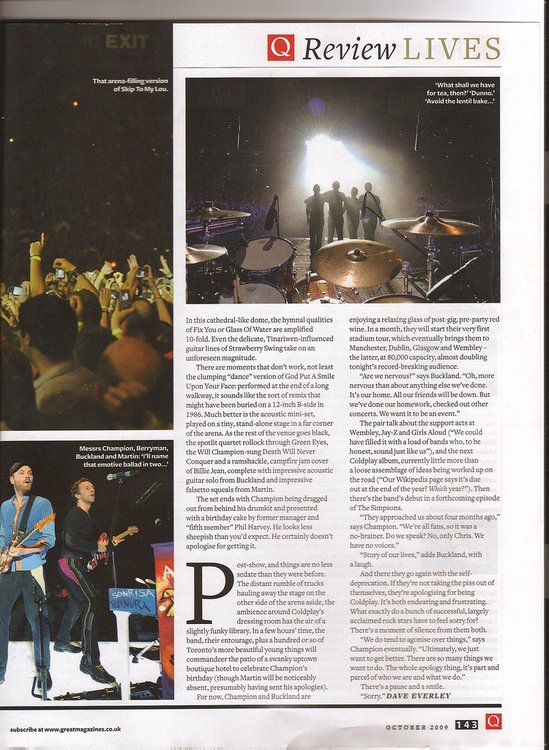
Meanwhile, Coldplay live article is featured in October edition of Q Magazine: [thanks mimixxx & kspillers2]

New Wembley Coldplaying t-shirts on sale - don't miss out! Order now in time for the massive shows! (Click on the banners):

Join the new Facebook page for more Coldplay news, reviews, setlists and links:

Recommended Comments