


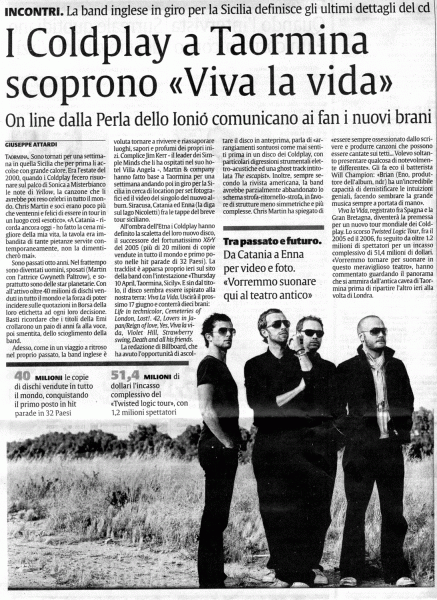

La Sicilia, the Italian newspaper today unveiled more details about Coldplay's trip to Italy where the band has been filming the video for their new single, Violet Hill, taken from the forthcoming album Viva La Vida Or Death And All His Friends, due for release on June 16.
According to the news article, Coldplay were guests at Villa Angela in Taormina, residence of Jim Kerr, lead singer of Simple Minds. Coldplay returned to the region where they previously played to 2000 people in concert in Misterbianco, in the province of Catania. Chris Martin said of the journey, 'We would like to return to play in this wonderful theatre in the future.'
The article confirmed the first single as Violet Hill along with the hidden track The Escapist. Coldplay not only shot the video for their single (note that will be released in May) on the lake Nicoletti of Enna, but also appeared at Siracusa and Catania as well as the beautiful Taormina, for a photo shoot.
See the full size article here in Italian [thanks Coldpatrix & friends @ coldplayzone.it for posting the scan and info.]

Recommended Comments