


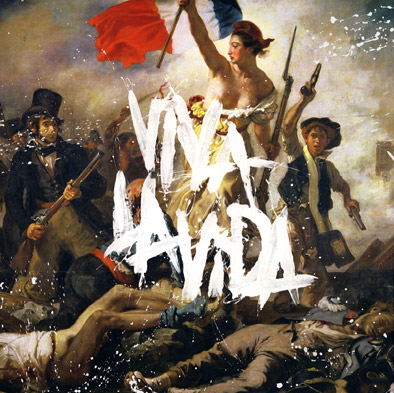

 Coldplay are to play two free shows to celebrate the release of their new album 'Viva La Vida or Death And All His Friends'.
The band will play London's Brixton Academy on June 16, and New York's Madison Square Garden a week later (June 23). Fans are advised to keep checking the band's official website www.coldplay.com and not to contact the venue box offices, as no tickets will be made available for sale.
Meanwhile, the release of the record, the follow-up to 2005's 'X&Y', has been brought forward four days in the UK to bring it into line with global release dates. The release date is now June 12.
As previously revealed on NME.COM , Coldplay will release the first single from the album free with the NME. The 7-inch vinyl will include the single, 'Violet Hill', backed by another song, 'A Spell A Rebel Yell', which won't be available anywhere else. To ensure you get your copy of the exclusive Coldplay vinyl you can pre-order your issue from NME.COM at the NME online shop.
The single can also be downloaded from Coldplay's website from 12.15pm tomorrow (April 29).
Recommended Comments