


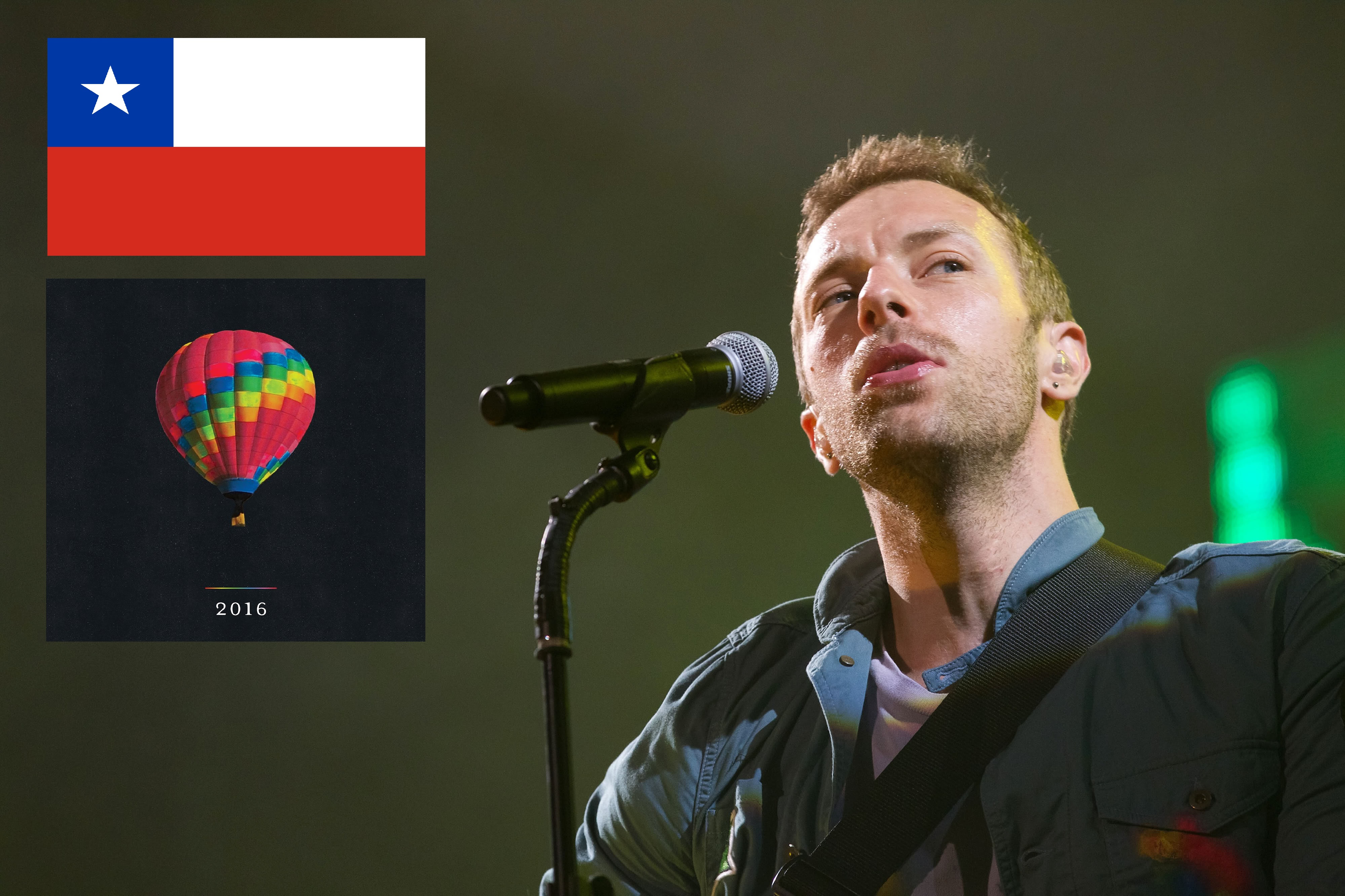

Coldplay recently posted an artwork teaser for the new tour (below), signalling that the 'A Head Full Of Dreams' 2016 world tour will be announced soon!

We also have confirmation from a poster, spotted in Chile (Thanks to @coldplaycl and @Coldplayvideo) that Coldplay will perform in the Estadio Nacional (Chile) on April 3rd! This confirms the recent rumours of an end of March / start of April date, for Coldplay's Latin American tour.

Keep an eye on Coldplay's tour section of their website,ttp://coldplay.com/tour/ as all the confirmed dates will be released there.
It seems the band will be touring in every continent, as previously hinted. This screenshot from Chris Martin Campaign on Facebook shows a preview of their tour screen (during a test). The only continent not covered is Antarctica (Where their name would become literal!)

And this means changes on our website too. A new tour category on Coldplaying.com is on the way, while on our forums, there will be post on concert information for each show and music discussion within a new 2016 live section. We're very excited!
Recommended Comments