



Skip to content
View in the app

A better way to browse. Learn more.

Coldplaying

A full-screen app on your home screen with push notifications, badges and more.

To install this app on iOS and iPadOS
  1. Tap the Share icon in Safari
  2. Scroll the menu and tap Add to Home Screen.
  3. Tap Add in the top-right corner.
To install this app on Android
  1. Tap the 3-dot menu (⋮) in the top-right corner of the browser.
  2. Tap Add to Home screen or Install app.
  3. Confirm by tapping Install.

Ghost Stories: Three bonus track titles revealed

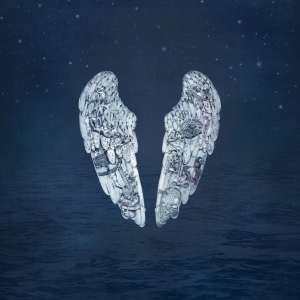
In a handwritten tracklist found via people.com, Coldplay will reveal "All Your Friends," "Ghost Story" and "O (Part 2)" as the three added tracks to the forthcoming album Ghost Stories.Coldplay have teamed up with Target for an exclusive deluxe edition of their sixth studio album. The album hits stores on May 19th and the deluxe edition is available for pre-order at Target.com. New sub-forums for these tracks have been added in the Ghost Stories sub-forum.More on this to follow...coldplaytargetextra.jpg

Ghost Stories bonus tracks: All Your Friends, Ghost Story, O (part 2) http://t.co/NvWS9FZc0r T

— Coldplay news (@coldplaying) March 20, 2014

User Feedback

Recommended Comments

There are no comments to display.

Guest
This is now closed for further comments

Account

Navigation

Search

Search

Configure browser push notifications

Chrome (Android)
  1. Tap the lock icon next to the address bar.
  2. Tap Permissions → Notifications.
  3. Adjust your preference.
Chrome (Desktop)
  1. Click the padlock icon in the address bar.
  2. Select Site settings.
  3. Find Notifications and adjust your preference.