



Skip to content
View in the app

A better way to browse. Learn more.

Coldplaying

A full-screen app on your home screen with push notifications, badges and more.

To install this app on iOS and iPadOS
  1. Tap the Share icon in Safari
  2. Scroll the menu and tap Add to Home Screen.
  3. Tap Add in the top-right corner.
To install this app on Android
  1. Tap the 3-dot menu (⋮) in the top-right corner of the browser.
  2. Tap Add to Home screen or Install app.
  3. Confirm by tapping Install.

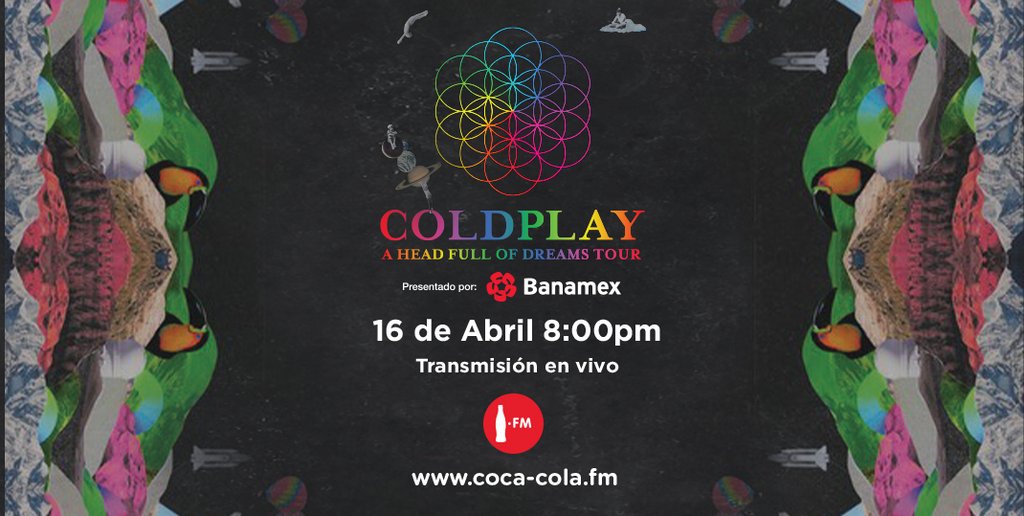
Listen Live to Coldplay's Concert in Mexico Tonight!

Tonight's Concert in Foro Sol Mexico will be streamed live through Coca-Cola.fm! Details below:

Listen Live

If you happen to live in Mexico then you can listen on Coca-Cola.fm


For anyone who lives outside of Mexico then you can listen on TuneIn below!


When is the Show?

You will be able to listen live today (April 16) at these times:

9PM local time

10PM EST

7PM PST

3AM GMT

Time in your area

Listening Party/Discussion

SpraycanSoul has organised a listening party for the occasion. Join us here as we listen to the show together!


Any further discussion can be posted in the official thread


User Feedback

Recommended Comments

There are no comments to display.

Guest
This is now closed for further comments

Account

Navigation

Search

Search

Configure browser push notifications

Chrome (Android)
  1. Tap the lock icon next to the address bar.
  2. Tap Permissions → Notifications.
  3. Adjust your preference.
Chrome (Desktop)
  1. Click the padlock icon in the address bar.
  2. Select Site settings.
  3. Find Notifications and adjust your preference.