


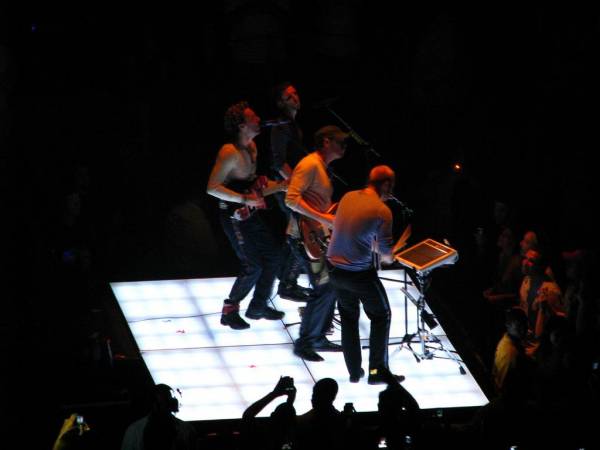

It was the same setlist as the night before, except for the addition of What If instead of Trouble. Photos from Coldplay’s 2nd night at the Los Angeles Forum [including some fantastic ones by ali_baba7, Aaron Weinstein and bronwynlewis] are in the gallery here.
Setlist: Life In Techicolor / Violet Hill / Clocks / In My Place / Viva La Vida / 42 / Yes / The Scientist / Chines Sleep Chant (B-stage) / God Put A Smile Upon My Face (B-stage, new version) / Square One / Speed Of Sound / What If / Lost / Strawberry Swing / Yellow (acoustic) / Death Will Never Conquer (acoustic, Will Champion vocals) / Fix You / Lovers In Japan / Death And All Of His Friends
Some highlights:
-In the beginning of The Scientist, Chris' piano was only playing. I think Johnny's guitar wasn't plugged in. Something happened. It was funny.
-Chris wanted to tell us in "starbucks terms" that the first night was "grande" and that the second night was "Venti"
-When Chris was up in the Colonnade, he said "So this is what it's like?"
Read some more highlights from this show here [thanks lillylove]

Recommended Comments