



Setlist:
1. Life In Technicolor
2. Violet Hill
3. Clocks
4. Cemeteries of London (debut on tour)
5. Chinese Sleep Chant
6. God Put A Smile Upon Your Face
7. 42
8. Don’t Panic
9. Yellow
10. The Hardest Part (piano)
11. In My Place
12. Speed Of Sound
13. Viva La Vida
14. Lost!
15. The Scientist
Acoustic (?) Encore
17. Death Will Never Conquer
18. Politik
19. Lovers In Japan
20. Death And All His Friends
2nd Encore
21. The Dubliners
22. The Escapist
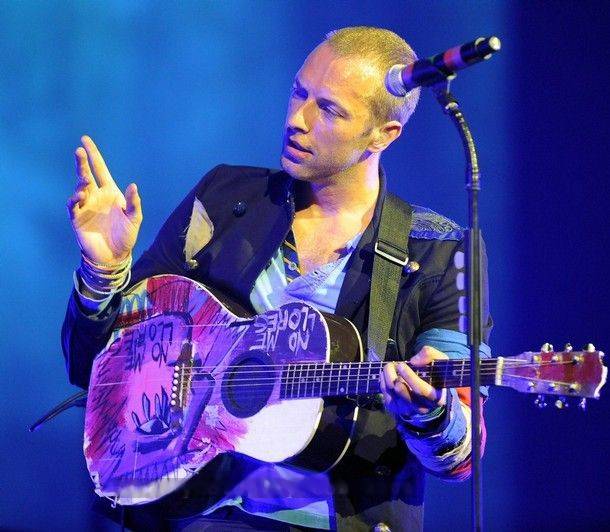
Well, just one word about this show : it was H-U-G-E !! I didn't meet any of you guys, but whoo, I'll never forget this evening !!!! I never realized how GREAT Chris Martin's voice is... And I was standing in the first rows with a perfect view at the band ! And the butterflies, and the harmonica, and the little Gnossienne from Satie at the piano, and Chris being topless, and the not so bad French speaking, and the little jokes, and... and everything else ! I'm flying on a little cloud since, and it is really hard for me to focus on work right now ! It was worth every hour of wait, standing, feet hurting, thirst and tiredness. That was the best show I have ever seen ! [thanks Eliness]
More on this show here onwards and pictures in the gallery here [thanks Chavi & Carlaatje]


Recommended Comments