


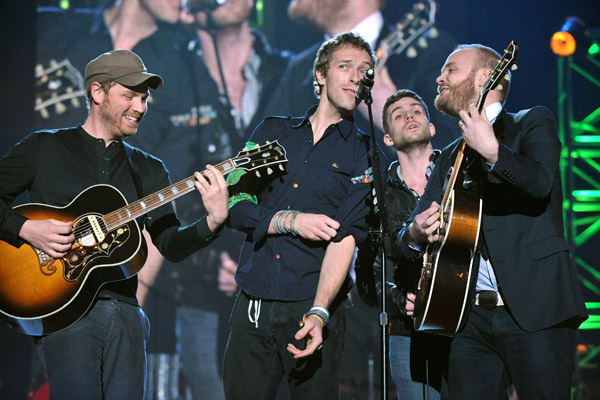

Coldplay have led the way for British bands at this year's Grammy Awards with Viva La Vida taking song of the year and the album from which it was taken, Viva La Vida Or Death And All His Friends, getting the best rock album nod.
Decked out in Sgt Pepper style outfits, the band apologised to Sir Paul McCartney, who was in the crowd, for copying the look. Frontman Chris Martin joked that they were not the hardest of rock bands, adding that they were a little softer but just as charming. He added: "Thank you so much. We have never had so many Grammys in our lives. I feel so grateful to be here, I'm going to tear up. Thank you so much."
Viva La Vida was nominated in the best song category alongside tracks including Adele's Chasing Pavements and the Estelle/Kanye West hit American Boy. Earlier, Martin duetted with hip hop superstar Jay-Z on a version of the band's Lost before joining the rest of Coldplay for Viva La Vida.
You can see all the photos now in the Coldplaying Gallery here and in case you missed the Coldplay performances and the red carpet arrival (or just want to relive them!) you can see them at the Coldplay forum here


Recommended Comments