



Skip to content
View in the app

A better way to browse. Learn more.

Coldplaying

A full-screen app on your home screen with push notifications, badges and more.

To install this app on iOS and iPadOS
  1. Tap the Share icon in Safari
  2. Scroll the menu and tap Add to Home Screen.
  3. Tap Add in the top-right corner.
To install this app on Android
  1. Tap the 3-dot menu (⋮) in the top-right corner of the browser.
  2. Tap Add to Home screen or Install app.
  3. Confirm by tapping Install.

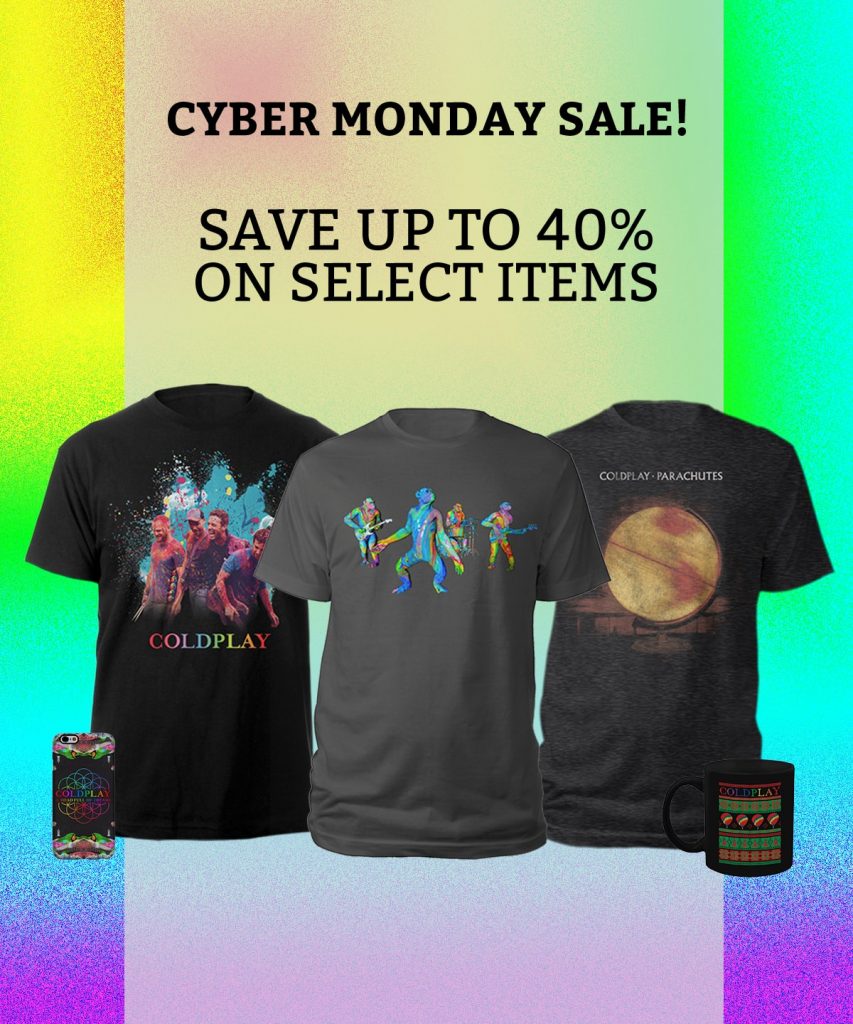
Save up to 40% in Coldplay's Cyber Monday Sale

Coldplay has just announced their Cyber Monday sale with massive reductions in merchandise. 


Album cover mugs have also been announced with pre-orders starting today. All mugs are available to purchase individually, or if you buy all seven you get one free. The mugs will ship around December 8th, just in time for the holidays! 


COL_Mugs_Email-e1511787072731.jpg


My favourite offer is the Vintage Parachutes T-Shirt that was sold during this year's A Head Full of Dreams Tour that is currently €10 off. Head on over to Coldplay's Store and take advantage of the sale, perhaps send a mug to your Coldplaying secret Santa match!


User Feedback

Recommended Comments

There are no comments to display.

Guest
This is now closed for further comments

Account

Navigation

Search

Search

Configure browser push notifications

Chrome (Android)
  1. Tap the lock icon next to the address bar.
  2. Tap Permissions → Notifications.
  3. Adjust your preference.
Chrome (Desktop)
  1. Click the padlock icon in the address bar.
  2. Select Site settings.
  3. Find Notifications and adjust your preference.