




 Coldplay's new video for Strawberry Swing has finally premiered online today. The groundbreaking short film was directed by visual artists Shynola and features Chris Martin as an animated superhero in a chalk-drawn world (with a killer squirrel). You can watch it in its entirity here at Babelgum.
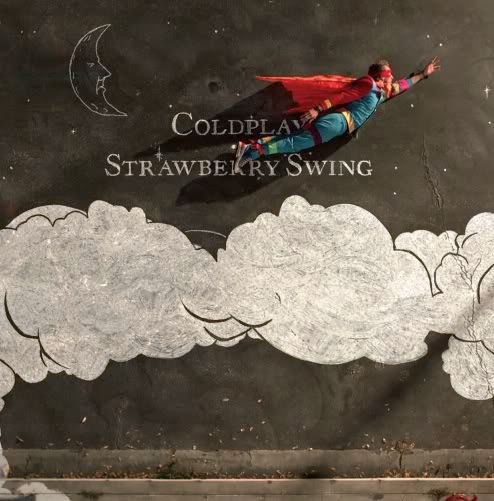
The film will also be shown at ODEON cinemas across the UK from Wednesday July 22nd, where it will be programmed in front of both Bruno and The Proposal. Strawberry Swing (the single) will be released globally as a digital download on September 14th. The video will be commercially available a little while before that, on August 3rd. You can check out the artwork for the single after the jump.
You can discuss the single release and review the video at the Coldplay forum here onwards. Please also rate this video in our new here as well! [thanks iPsy & svenky]
Single artwork
Here are some stills from the video...


Recommended Comments