



Skip to content
View in the app

A better way to browse. Learn more.

Coldplaying

A full-screen app on your home screen with push notifications, badges and more.

To install this app on iOS and iPadOS
  1. Tap the Share icon in Safari
  2. Scroll the menu and tap Add to Home Screen.
  3. Tap Add in the top-right corner.
To install this app on Android
  1. Tap the 3-dot menu (⋮) in the top-right corner of the browser.
  2. Tap Add to Home screen or Install app.
  3. Confirm by tapping Install.

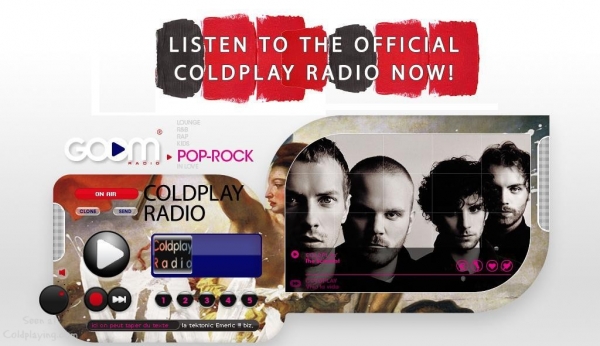
The Official Coldplay Radio: By Goom

An official radio dedicated to all things Coldplay has been created by Goom Radio - a new company based in Paris. Currently online as a beta version (before V1 is released on October 15th), at goomradio.com you can listen to Coldplay Radio as well as The Candy Station (official Madonna station) and the first 6 of Goom's professional radios. Fans will have the opportunity to become involved with Coldplay Radio by calling in and speaking on the air! Although just in French right now, the English version will be online very soon.


Users of Goom will also be able to create their own radio stations by creating playlists and up/downloading podcasts. Your station will then be broadcast to anyone who chooses to listen - and it's all free to use!


If you have any questions contact [email protected]


goomradio.jpg

User Feedback

Recommended Comments

There are no comments to display.

Guest
This is now closed for further comments

Account

Navigation

Search

Search

Configure browser push notifications

Chrome (Android)
  1. Tap the lock icon next to the address bar.
  2. Tap Permissions → Notifications.
  3. Adjust your preference.
Chrome (Desktop)
  1. Click the padlock icon in the address bar.
  2. Select Site settings.
  3. Find Notifications and adjust your preference.