




 Done and Dusted, the DVD company behind the release of Coldplay's live 2003 DVD, has uploaded a trailer online to their website for Coldplay from back in 2009 when they played in Barcelona, sparking further rumours that a DVD from the Viva la Vida era will be released. The clip shows a three minutes live performance of Viva la Vida, and includes various audience shots as well as panoramic views from behind the stage.
It is still unknown whether this news will be officially confirmed or if the DVD will also include footage from other stadium shows, including Paris, Wembley and the Latin America concerts, but you can watch the Done and Dusted trailer via D&D's Youtube channel at the Coldplay forum now.
Coldplay apparently filmed the Barcelona concert for a live DVD, Spanish media newspapers widely reported before the concert, and according to the sources, the filming process took place place with a sophisticated camera system that included a high crane installed outside the stadium to capture aerial views of the show.
More discussion on the Barcelona DVD news is at the Coldplay forum here onwards.
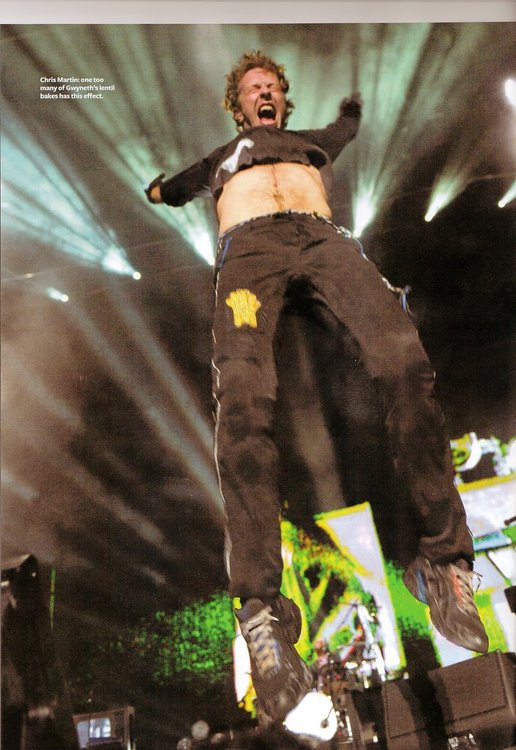
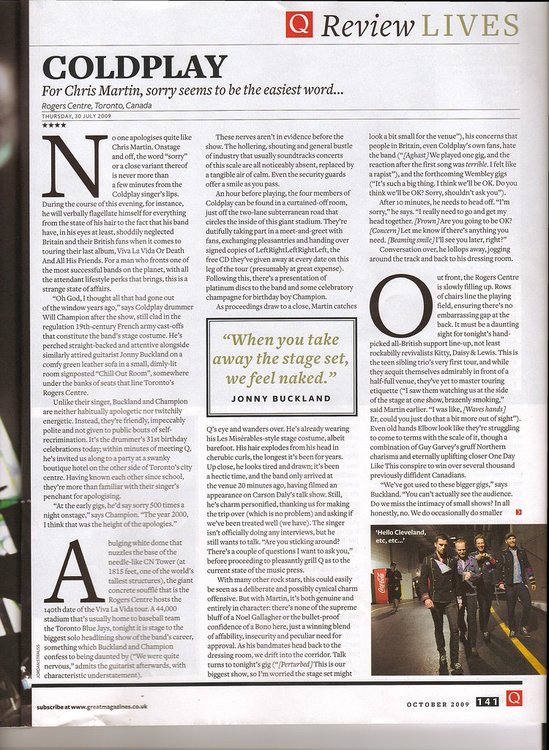
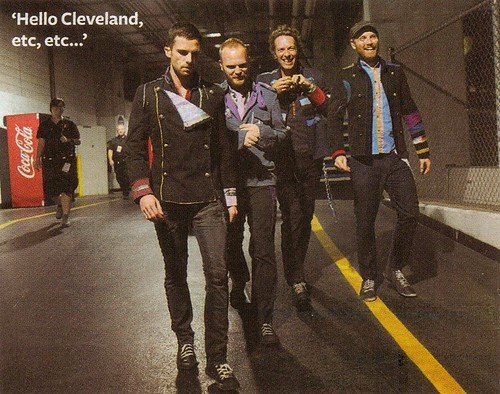
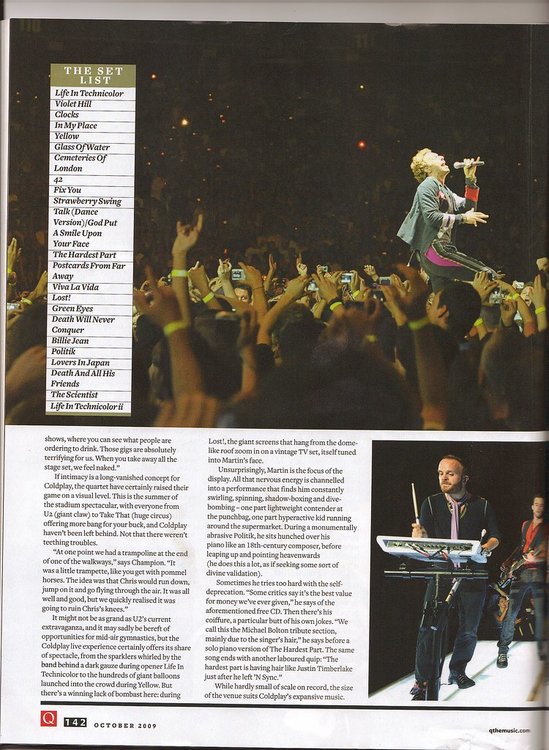
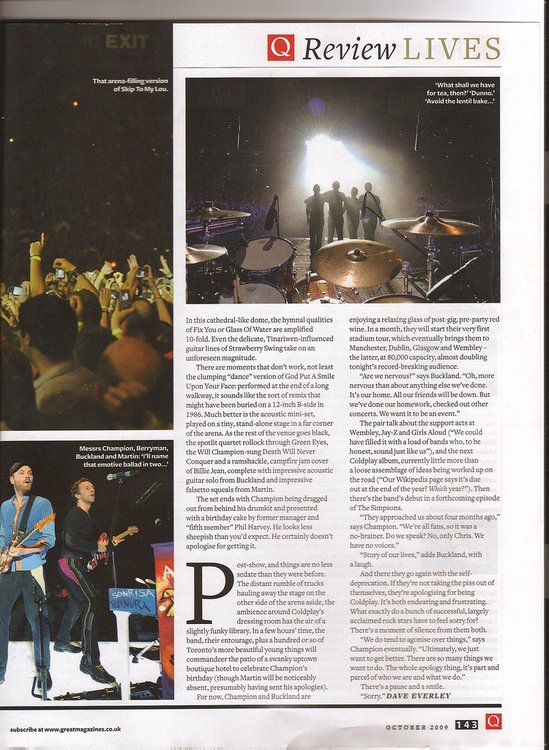
Flashback: Coldplay live article is featured in October edition of Q Magazine: [thanks mimixxx & kspillers2]
Recommended Comments