




 The new edition of Coldplay's messenger is out, and they have a new competition for you. Here's goes:
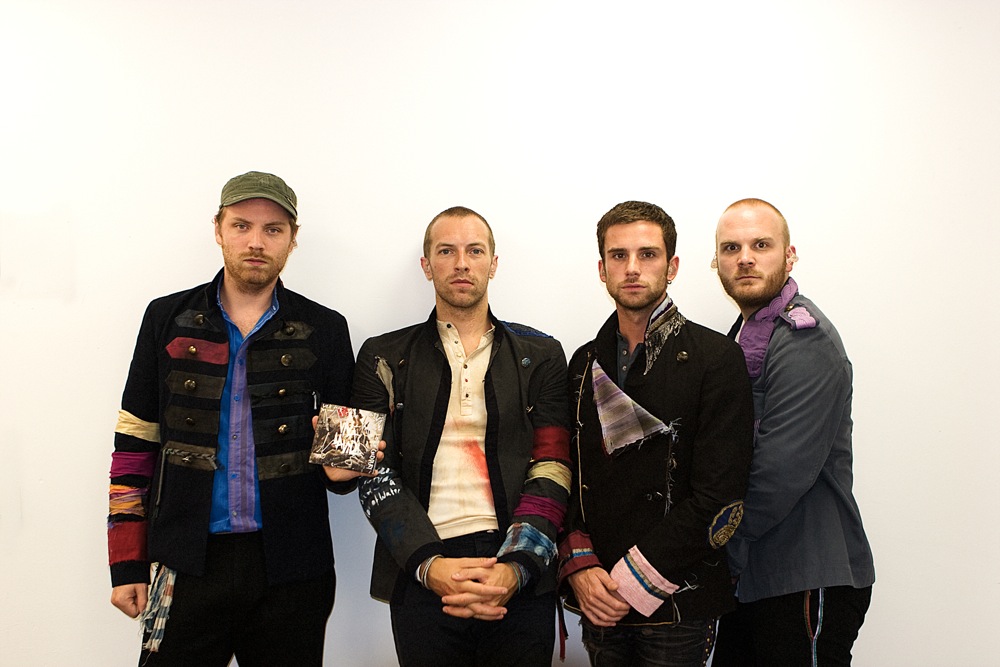
Judging by the tens of thousands of you who entered the signed album competition in the last Messenger, it seems you folks quite like a competition. Congrats to the randomly-selected winner, Ivan G, whose CD has already been signed by the band (we have proof) and is winging its way to Croatia. In this edition, we're offering one reader a front-row pair of tickets to the Coldplay gig of their choice before the end of 2008 (click here to see the full list of upcoming shows).
To be in with a chance of winning, just email your name and address to [email protected] before Saturday September 13th. One entry per person, please. And it's not really worth entering unless you know can make it along to one of the shows (the prize is just the tickets).
Recommended Comments