



Skip to content
View in the app

A better way to browse. Learn more.

Coldplaying

A full-screen app on your home screen with push notifications, badges and more.

To install this app on iOS and iPadOS
  1. Tap the Share icon in Safari
  2. Scroll the menu and tap Add to Home Screen.
  3. Tap Add in the top-right corner.
To install this app on Android
  1. Tap the 3-dot menu (⋮) in the top-right corner of the browser.
  2. Tap Add to Home screen or Install app.
  3. Confirm by tapping Install.

Coldplay Update Website and Social Media with New Image

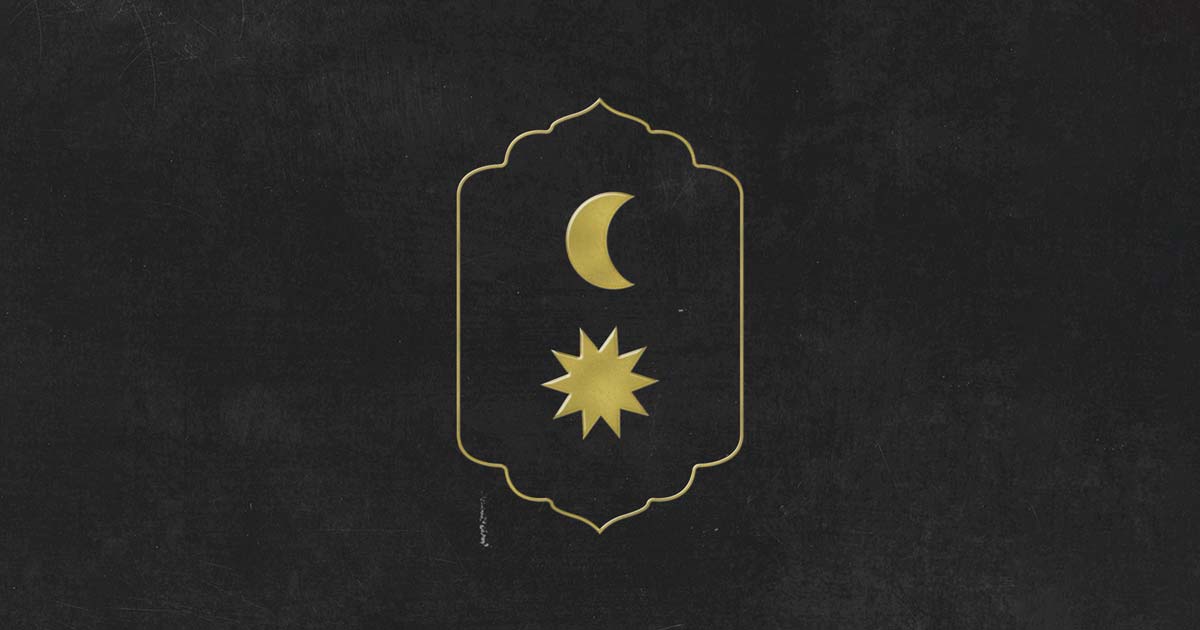
Coldplay have changed their profile picture and updated their website to feature the new sun and moon logo.


The keen-eyed 'Coldplay Investigators' on the Coldplaying forum have found that Coldplay have updated their profile pictures to feature the sun and moon symbols that appeared on several youtube thumbnails yesterday. 


Fans are currently trying to decipher the meaning of the image. Along with this image, posters are showing up all over the world showing Coldplay in a vintage setting with a number of unknown musicians by their sides.


EHFZI3EWkAIclh--1024x768.jpg

Poster on display in Buenos Aires | Source: @ColdplayArgenti


Discuss now on the Coldplaying Forum!


User Feedback

Recommended Comments

There are no comments to display.

Guest
This is now closed for further comments

Account

Navigation

Search

Search

Configure browser push notifications

Chrome (Android)
  1. Tap the lock icon next to the address bar.
  2. Tap Permissions → Notifications.
  3. Adjust your preference.
Chrome (Desktop)
  1. Click the padlock icon in the address bar.
  2. Select Site settings.
  3. Find Notifications and adjust your preference.