


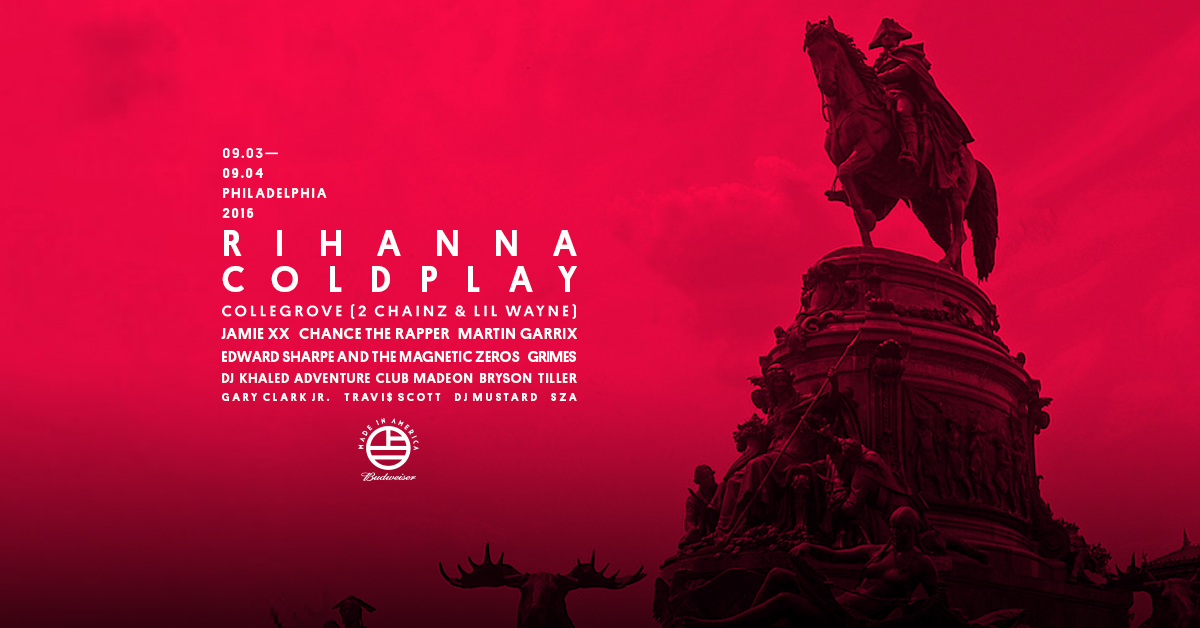

Budweiser's Made in America Festival is coming back to Philadelphia for the fifth time this September and we have a pair of two-day passes to giveaway! The Jay-Z curated festival has been running since 2012 and has featured many A-list acts such as Beyoncé, The Weeknd, Kanye West, Kings of Leon, Imagine Dragons and Pearl Jam. The festival will run from Sat, Sep 3, 2016 - Sun, Sep 4, 2016
This year's line-up is no different with our very own Coldplay and Rihanna headlining the festival. Lets hope for a rare Princess of China performance with both acts! Further down the bill, the festival will also feature Collegrove, the duo of Lil Wayne and 2 Chainz, as well as Chance The Rapper, Jamie xx, Grimes, DJ Khaled, DJ Mustard, A$AP Ferg, Banks & Steelz, Lil Yachty, Kodak Black, Touché Amoré, Car Seat Headrest, Porches, and Into It. Over It
Buy Tickets to Made in America
We are expecting a large amount of people to enter the giveaway which means that your chances of winning will be slim. To buy tickets to the show, visit our ticketmaster affiliate page here:
[xdownload icon=fa-ticket" text="Buy Tickets" url="http://livemu.sc/MIAxColdplaying" target="1]
Enter Giveaway
Win A Pair Of Two-Day Passes for Made In America Festival
Recommended Comments