


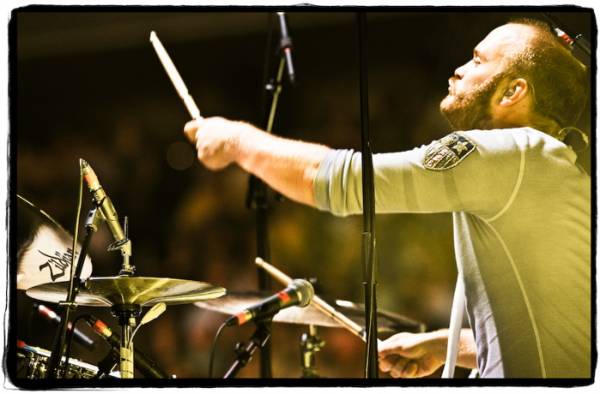

 Ole, Ole Ole Ole .. Cold-play Coldplay! (repeat many times).
There’s nothing like a festival crowd. Squished in tight for the best spot. For some that’s right by the speaker, on your friends shoulders, by the fence, or it might be at the back.. where there’s room to dance. For everyone, it’s on the grass/mud/dust/hay, or whatever else is underfoot. It was dust at the first ever Pemberton Festival.
For most, the best spot was as close to the stage as possible, when the night reached Coldplay time. Some of those at the back got a surprise front spot when the band played two songs by in the middle of the crowd. Festival crowds are so close, you can feel the heat, just standing. And when the roar goes up for the return of Coldplay to Canada, 5 weeks at number 1 here, you can almost hear it.. the heat i mean.
Read the full blog entry at the oxfamblogs website here
Recommended Comments