




 Hello world! I’m coming at you from the lovely lovely Toronto, Canada on the second of two much appreciated days off. This leg has been characterized by many long drives that end with our arriving to our hotel on a day off at 7pm with just enough time to take a good shower, grab dinner, and have a decent night’s sleep on a real bed before waking up the next day and doing it all over again.
This tour has given me the opportunity to become acquainted with many of our neighbor in the north’s major cities and the more time I spend here, the more I love it. I’ve mentioned before how Oxfam Canada’s teams never cease to amaze me, so I’m very much looking forward to working with Team Toronto tomorrow at Rogers Center. Even Team Vancouver, who managed to acquire 1600 Action Cards at their show last month, bragged about how impressed I’d be with them. I don’t doubt that.
Read the full blog entry with pictures at the Oxfam Blog website here onwards.
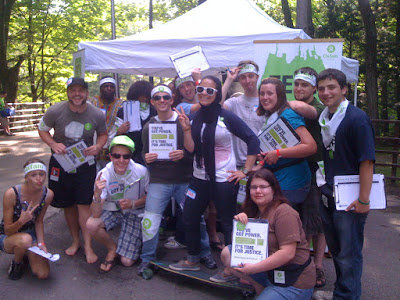
Here’s a picture of Team Saratoga featuring me on Craig’s board.
Recommended Comments