


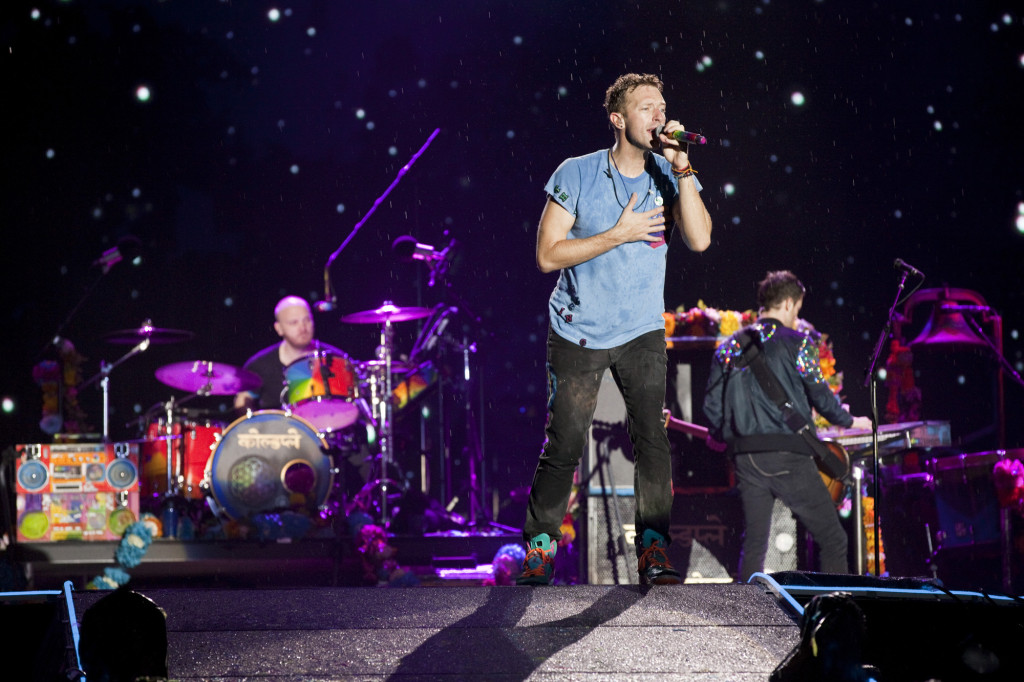

Coldplay finish off the first leg of their 'A Head Full of Dreams' tour with a trio of Mexican shows, and what a massive trio it was! The last show set an attendance record in the Foro Sol venue with over 67,000 Coldplayers attending!

Gig by gig, the band continued to wow audiences with their amazing visuals and their stadium rocking tunes. They also continue to tweak their setlist and play more old favourites via the request section of the show.
https://twitter.com/coldplaying/status/721565630621614080
These shows were dotted with unique situations. From overzealous fans who interrupted during a Brazilian show, a DOUBLE marriage proposal, a birthday sing-along for Chris's son Moses, and Chris taking a tumble during another gig!
For now we say so long to Latin America as the band takes a one month stop, before starting things up again on the European leg. The band are due to play in France on May 24th.
Our new team members have been constantly updating our gallery with photos from the recent shows, check them out here!
What do you think of the shows so far? Are you attending any upcoming gigs? What song would you request the band play in their setlist? Let us know in the comments below, on our forums, or on our social media outlets!
Recommended Comments