



Skip to content
View in the app

A better way to browse. Learn more.

Coldplaying

A full-screen app on your home screen with push notifications, badges and more.

To install this app on iOS and iPadOS
  1. Tap the Share icon in Safari
  2. Scroll the menu and tap Add to Home Screen.
  3. Tap Add in the top-right corner.
To install this app on Android
  1. Tap the 3-dot menu (⋮) in the top-right corner of the browser.
  2. Tap Add to Home screen or Install app.
  3. Confirm by tapping Install.

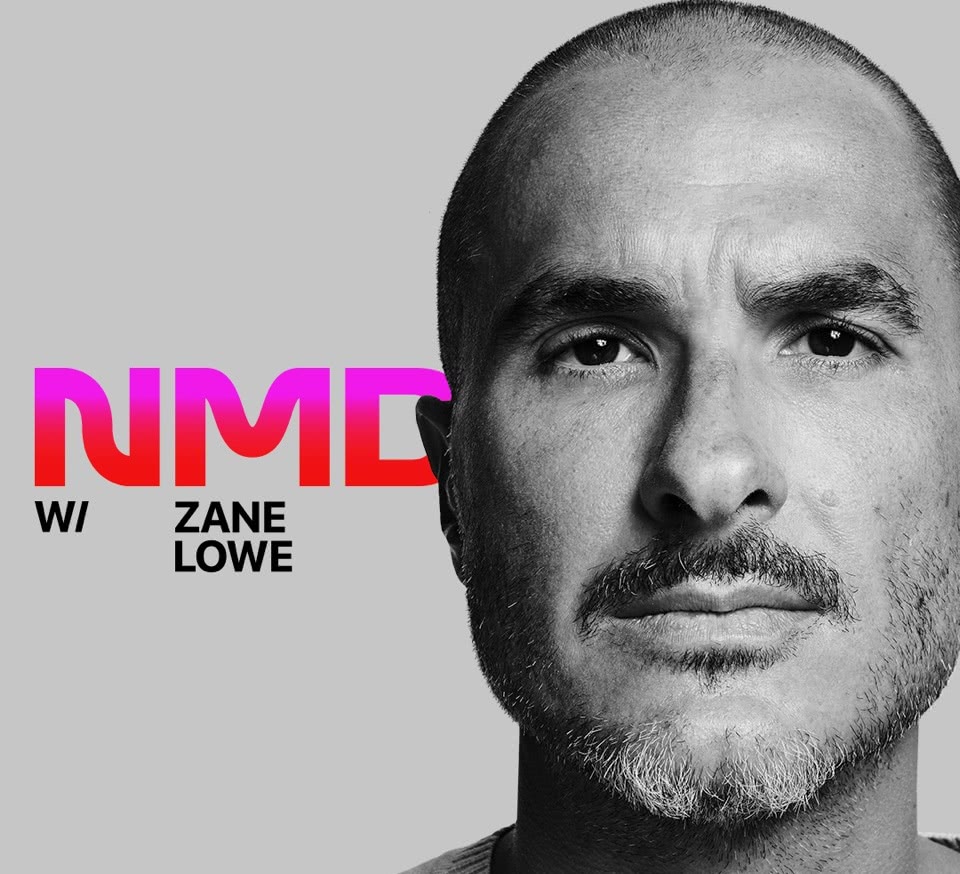
[2021-05-07] Chris Martin - New Music Daily on Apple Music 1

1 Screenshot


Chris Martin
New Music Daily
Apple Music 1
May 7, 2021

Lineage: Apple Music YouTube (youtube.com/AppleMusic) > youtube-dl > ffmpeg > file.aac

Audio: AAC LC 128 Kbps 44.1 KHz stereo

Description: Chris Martin of rock band Coldplay sits down with Zane Lowe to discuss the lead-up to the release of “Higher Power” and their ninth studio album. Chris talks about choosing not to tour ‘Everyday Life,’ working with Swedish record producer Max Martin on their latest project, and the creative vision behind this body of work. He also highlights prominent artists who’ve used their platforms to make societal differences and announces that their upcoming tour will be environmentally cautious.

Media Info:

Spoiler

General
Format                                   : ADTS
Format/Info                              : Audio Data Transport Stream
File size                                : 31.7 MiB
Overall bit rate mode                    : Variable

Audio
Format                                   : AAC LC
Format/Info                              : Advanced Audio Codec Low Complexity
Format version                           : Version 4
Codec ID                                 : 2
Bit rate mode                            : Variable
Channel(s)                               : 2 channels
Channel layout                           : L R
Sampling rate                            : 44.1 kHz
Frame rate                               : 43.066 FPS (1024 SPF)
Compression mode                         : Lossy
Stream size                              : 31.7 MiB (100%)


Account

Navigation

Search

Search

Configure browser push notifications

Chrome (Android)
  1. Tap the lock icon next to the address bar.
  2. Tap Permissions → Notifications.
  3. Adjust your preference.
Chrome (Desktop)
  1. Click the padlock icon in the address bar.
  2. Select Site settings.
  3. Find Notifications and adjust your preference.