R#42 blog
303 posts in this category
-
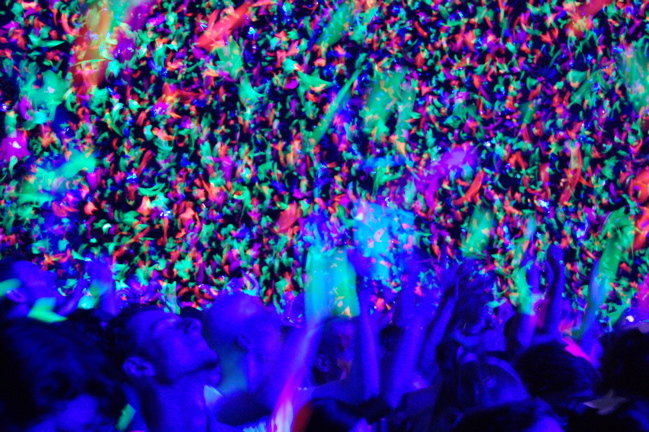
10.28pm: And we're done. Amazing gig. Hope you enjoyed tagging along. See you next time... Anchorman (deserves our vote!) 10.17pm: We made it just in time for the end of the B-stage bit, which is where the first pic is from. The other two are from Viva La Vida, which made 16,000 people go extremely tingly. It was quite a wrench to leave them all singing as we came back to post these. Roy Castle would be proud of us. The key to live photography: take dozens and two or three might be half-d
-
Hello lovers and friends of the world! Soha here, coming at you from the departure terminal of Boston’s Logan International airport. The last time I wrote to you all from an airport terminal was in Vancouver at the end of the first leg of the summer tour. I was headed home for a two-week break before resuming the rest of the tour. It feels like a million years ago recalling that moment where I sat with a signed Coldplay banner at my side, the knowledge that Oxfam now had over 100 thousand acti
-
Check out coldplay.com for a new entry: Roadie #42 remembers Coldplay super-fan Jennifer John More on this entry is at the Coldplay forum here onwards [thanks Sirhc] I have just learned of the tragic death of a big personality and well-loved member of the Coldplay fan community. Jennifer John, known to most as "Nettie". Jen ran two fansites dedicated to Coldplay: mycoldplay and guyberryman.net. These sites were a strong and very active part of the fan community and Jen attended a huge number