Skip to content
View in the app

A better way to browse. Learn more.

Coldplaying

A full-screen app on your home screen with push notifications, badges and more.

To install this app on iOS and iPadOS
  1. Tap the Share icon in Safari
  2. Scroll the menu and tap Add to Home Screen.
  3. Tap Add in the top-right corner.
To install this app on Android
  1. Tap the 3-dot menu (⋮) in the top-right corner of the browser.
  2. Tap Add to Home screen or Install app.
  3. Confirm by tapping Install.

1 post in this category

  1. Guest ·
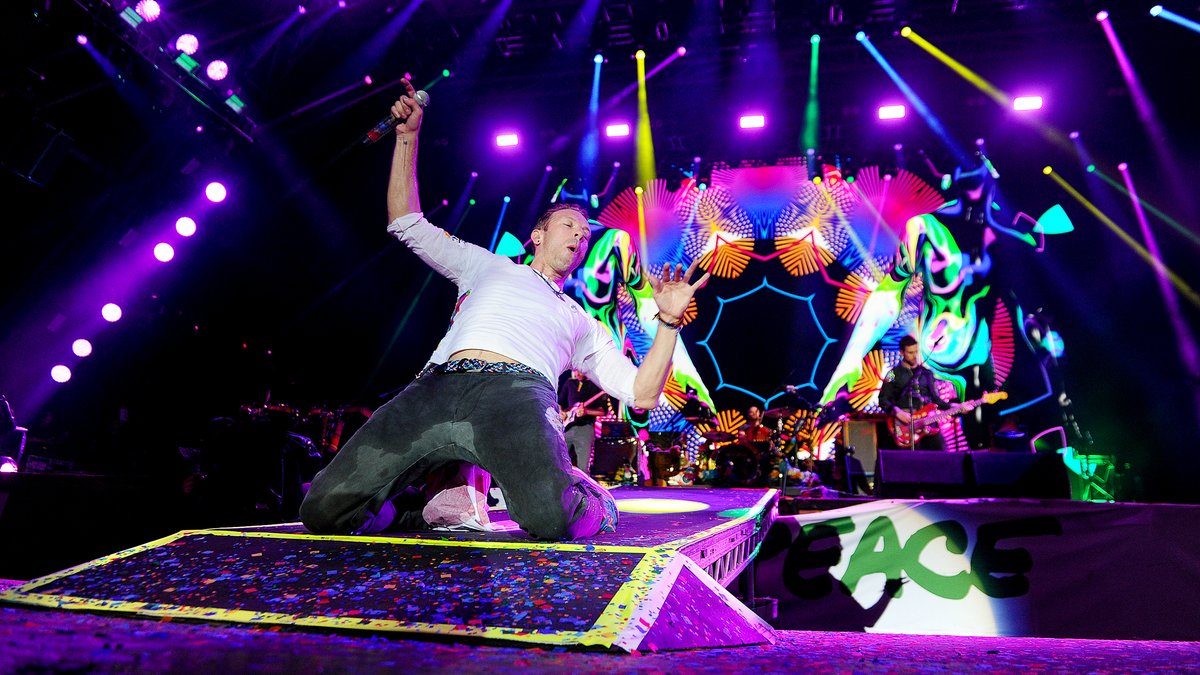
    It’s official: Coldplay are too big for Glastonbury. They’re climbing on the ice cream vans and scaling the back fences to get a view of the stage across a toe-to-tail crowd of 100,000 plus, all waving their light-up wristbands in the air like their own little speck in the world’s biggest Pollock. -NME   [vc_row][vc_column][vc_tta_tabs][vc_tta_section i_icon_fontawesome=fa fa-info" title="Info" tab_id="1478613884705-23d90418-7afc" add_icon="true][vc_column_text]Glastonbury Festival Worthy Farm

    Guest
    Guest
    • 0 comments
    • 600 views

Account

Navigation

Search

Search

Configure browser push notifications

Chrome (Android)
  1. Tap the lock icon next to the address bar.
  2. Tap Permissions → Notifications.
  3. Adjust your preference.
Chrome (Desktop)
  1. Click the padlock icon in the address bar.
  2. Select Site settings.
  3. Find Notifications and adjust your preference.