Michelle 13
Members
-
Joined
-
Last visited
-
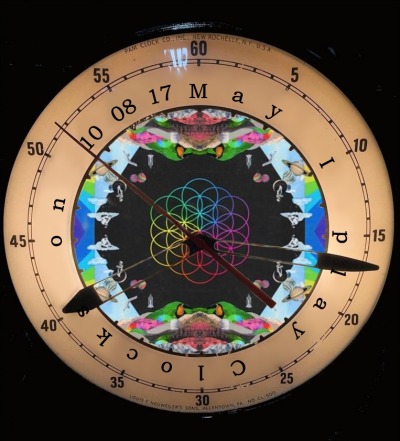
Hello, I am really excited to go to my first Coldplay show ever on October 8th in San Diego and it makes me soooo happyyyyyyyyyyyyy! :) So here's my idea: Remember the story of the 19-year old guy who played the piano in Munich? Or the 29-year old man of the wheelchair who played the harmonica? Well... I can't see. I'm blind practically since birth and I've been playing the piano for 10 years since I was 7. So my dream is for them to let me play clocks on stage at my concert, I've been practicing so hard. Me and a friend made this creative sign with the question may I play clocks on 10 08 17? But I'm at the very back of the stadium so they won't see me if I take it. I've started a friendship with Debs Wild, the Oracle, to eventually present her my Project to see if she can help me pass it along. But in case that doesn't work, what other things should I try as an alternative? I really want to try to succeed because if I never try I'll never know! :D Thank you so much for your help <3