Brendan7767
Members
-
Joined
-
Last visited
Everything posted by Brendan7767
-
My ticket disappeared five times and reappeared before I finally got it. There are so many people holding the tickets on the purchase screen and not buying them.....
-
Well If anyone in B4, Row 11, Seat 1 wants to say hey go ahead, I'm going to this concert solo, my friends didn't even want to buy the cheapest tickets. So then I said screw it, and was lucky to snag one front row of B stage just one week ago.
-
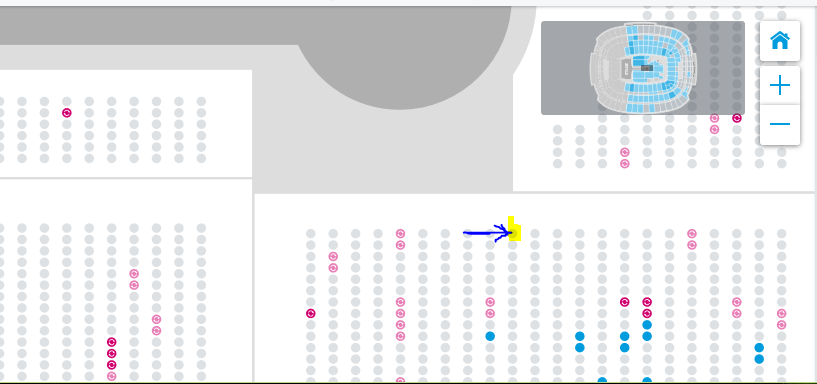
I bought a seat in Section B4 Row 11 Seat 1 which is right by the circle! However I am wondering if I am guaranteed that spot or not. The ticket says reserved seating but I not sure. I have never been to a concert so I am wondering if someone will just casually steal my spot. Am I only guaranteed a seat in section B4 or in my row, if not should i get there super early!
-
So I have never been to a concert before and I plan on seeing Coldplay on 8/6/17 in FedExField in Landover, MD. I have purchased a ticket at Section B4, Row 10, Seat 1. It is right near the central circle coming across the walkway on stage. You can view it on this map.... https://www1.ticketmaster.com/coldplay-a-head-full-of-dreams-landover-maryland-08-06-2017/event/1500514604705C6C?artistid=806431&majorcatid=10001&minorcatid=60#efeat4212 The ticket says "Field Reserved" and not general admission. Does this mean I get to be right on the spot or is it first come first serve for anyone in the B4 region because all standard tickets in that area regardless of location where $220 + fees.
-
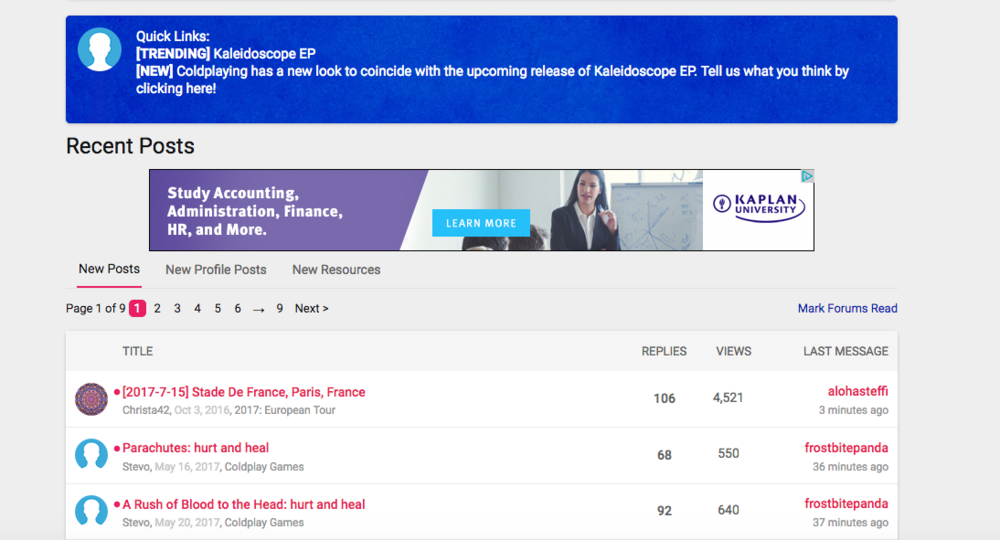
Thank you for the kind reply... however I looked where you said and nothing, here is a picture as proof. :(
-
This going to sound so stupid but I don't know how to make a new thread, I only know how to reply. Ive been clicking on the site for 30 min can anyone help?