


Skip to content
View in the app

A better way to browse. Learn more.

Coldplaying

A full-screen app on your home screen with push notifications, badges and more.

To install this app on iOS and iPadOS
  1. Tap the Share icon in Safari
  2. Scroll the menu and tap Add to Home Screen.
  3. Tap Add in the top-right corner.
To install this app on Android
  1. Tap the 3-dot menu (⋮) in the top-right corner of the browser.
  2. Tap Add to Home screen or Install app.
  3. Confirm by tapping Install.

Evchen_1204

Members
  • Joined

  • Last visited

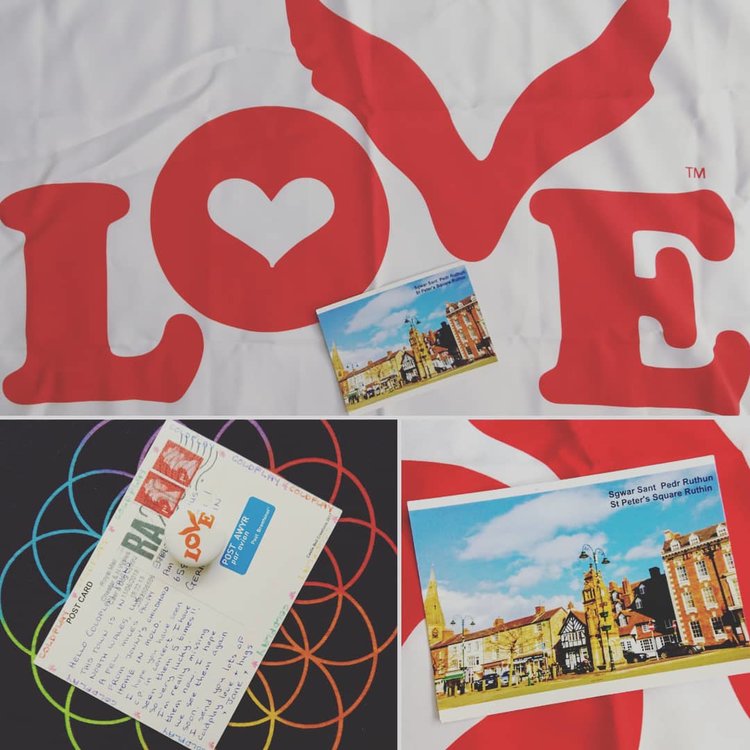
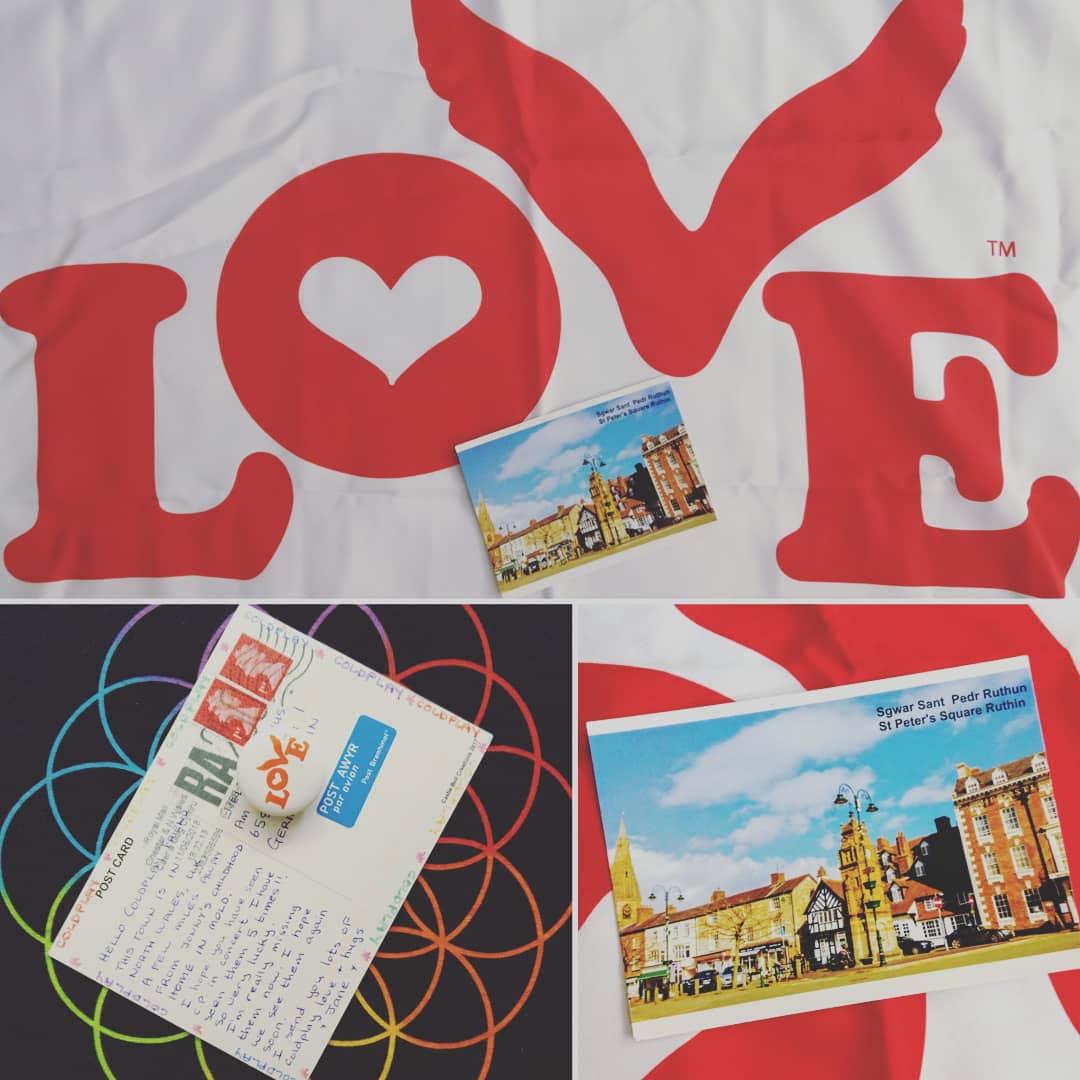
  1. Hello again, Sorry, I am new to this Forum, have to learn how to post here I've recieved my post card from far away yesterday. Thank you Jane for this beautiful post card and Thank you for the kind words. I would love to visit Wales some day, especially the Snowdonia national park. And Yes, I also hope to see Coldplay live in concert soon again. Sending you love from Germany... Evelyn
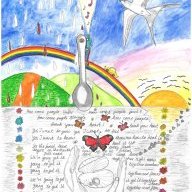
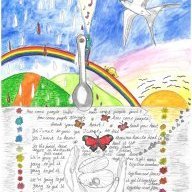
  2. Hey Jane, I am so happy you liked the post card /letter and my artwork. That means a lot to me...I am sorry to hear about your cat. Sending you a big hug!! Love Evelyn
Account

Navigation

Search

Search

Configure browser push notifications

Chrome (Android)
  1. Tap the lock icon next to the address bar.
  2. Tap Permissions → Notifications.
  3. Adjust your preference.
Chrome (Desktop)
  1. Click the padlock icon in the address bar.
  2. Select Site settings.
  3. Find Notifications and adjust your preference.
