Tim moore
Members
-
Joined
-
Last visited
-
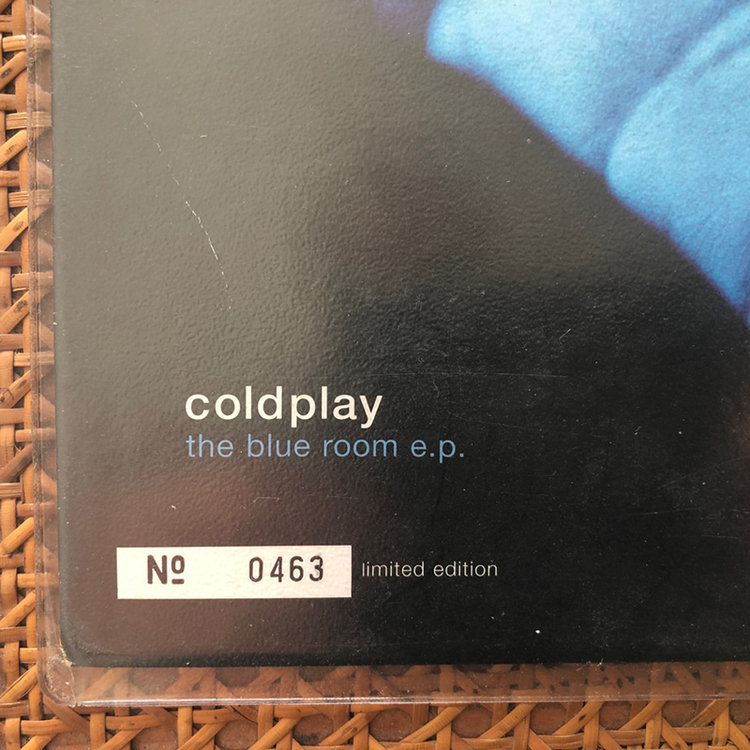
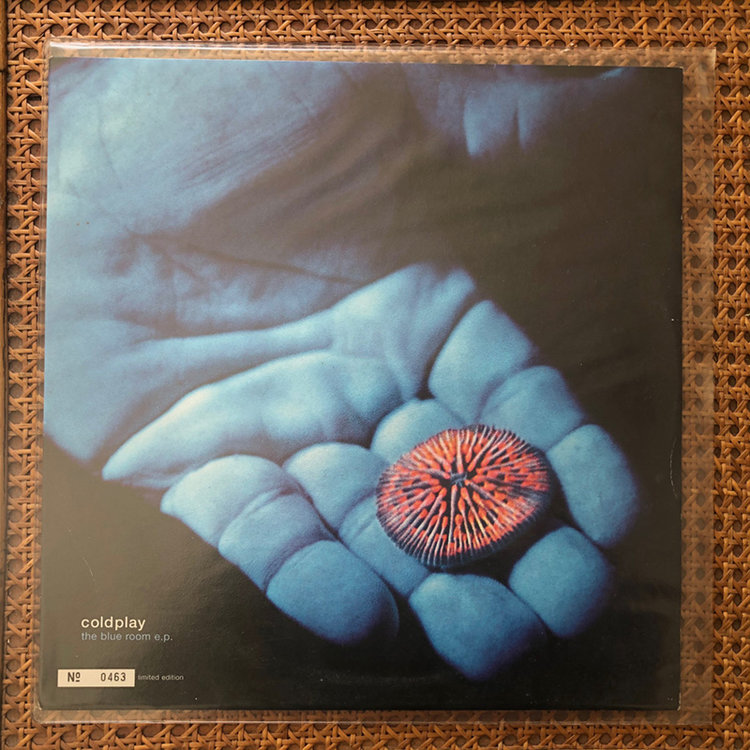
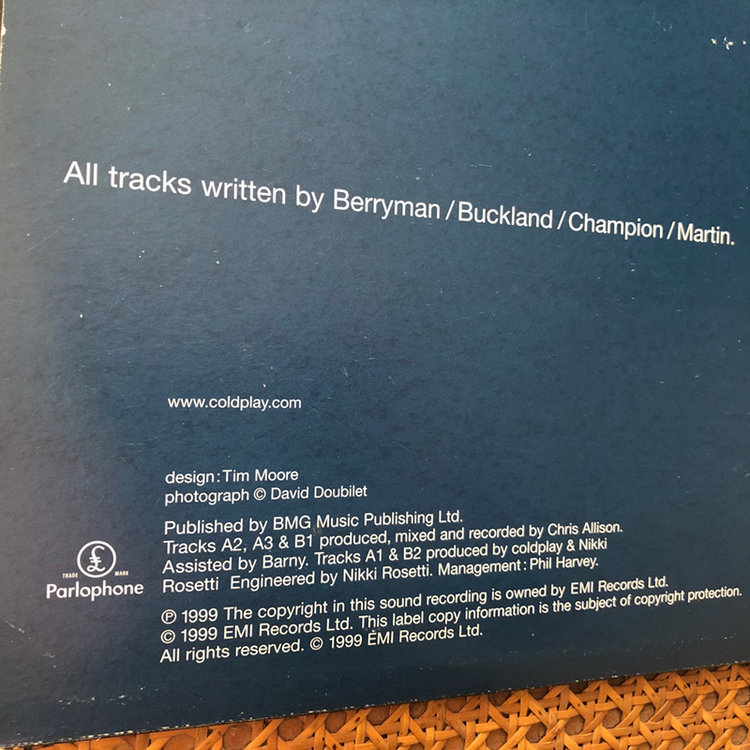
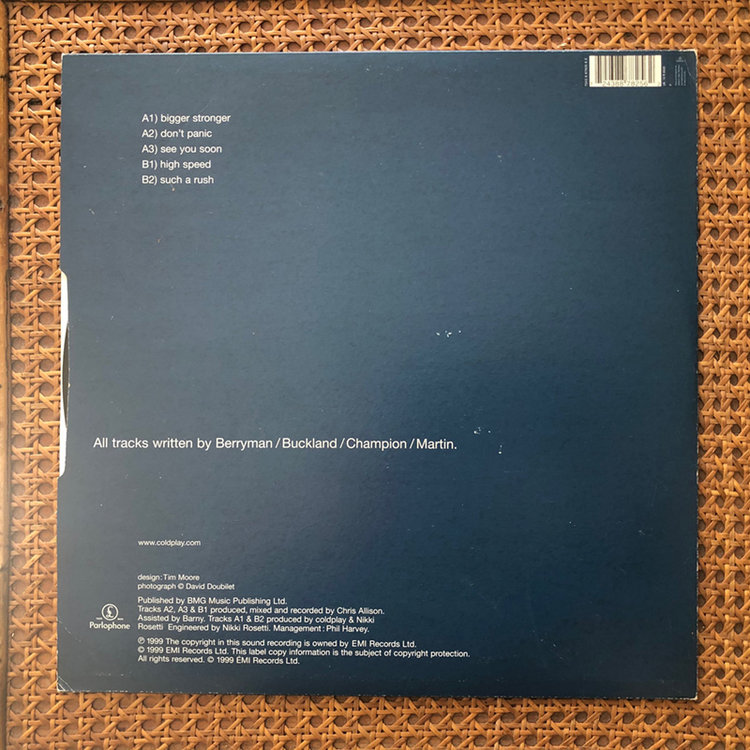
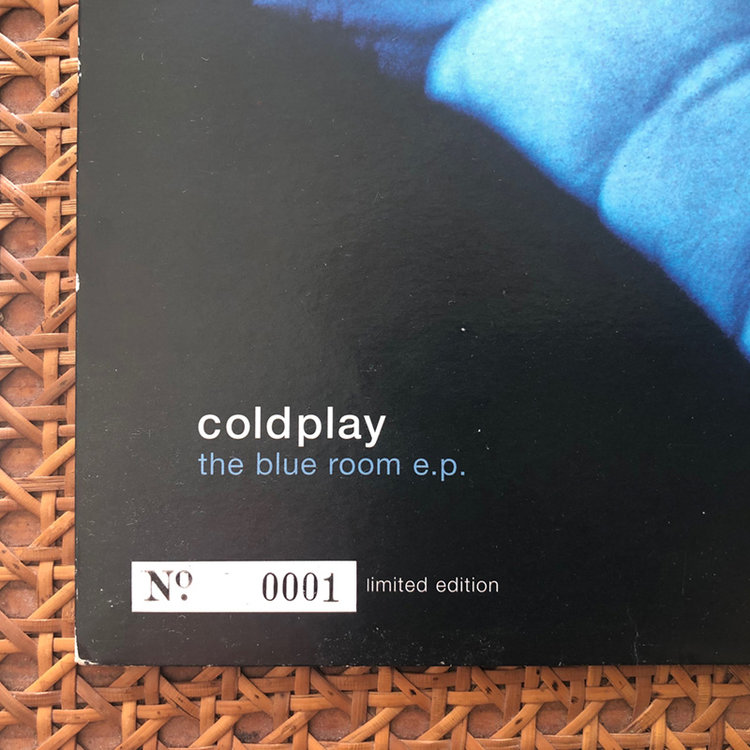
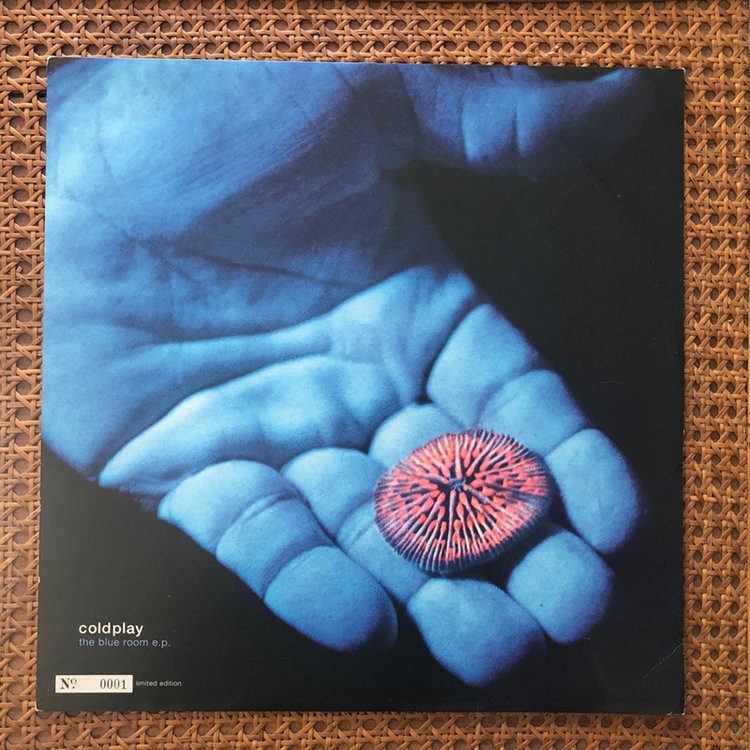
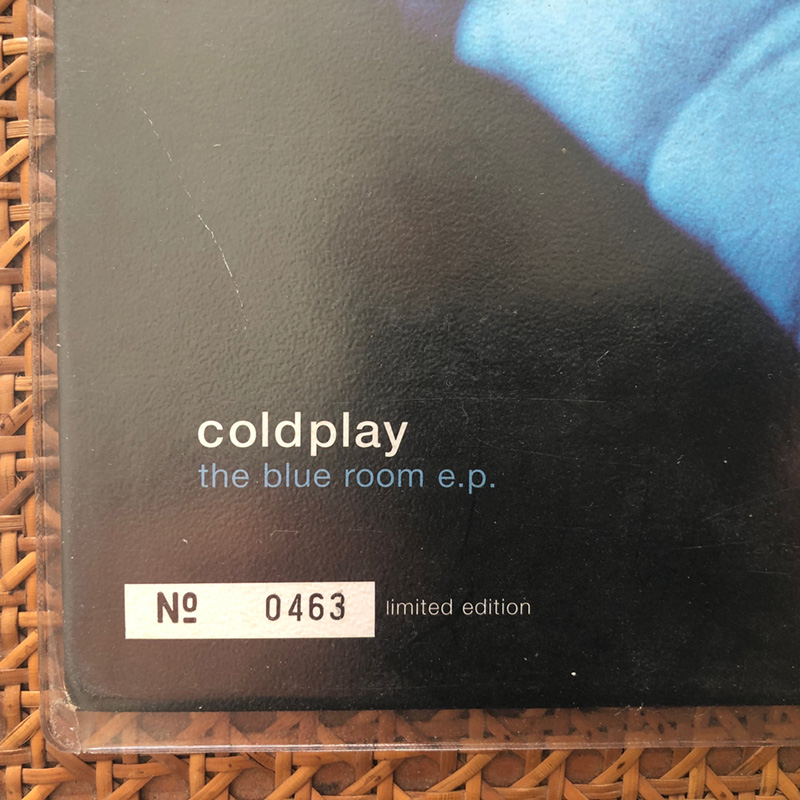
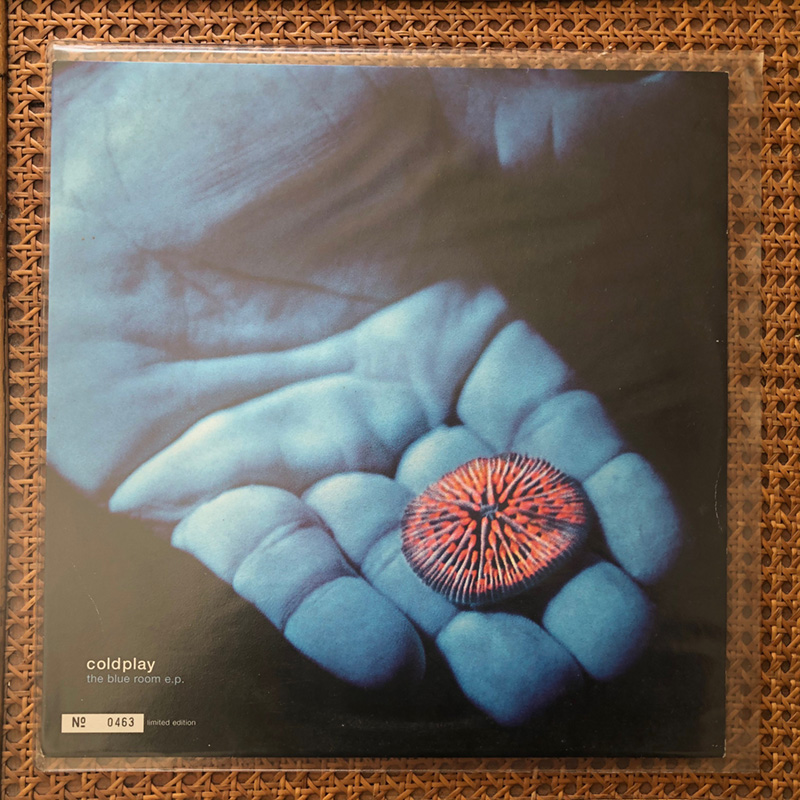
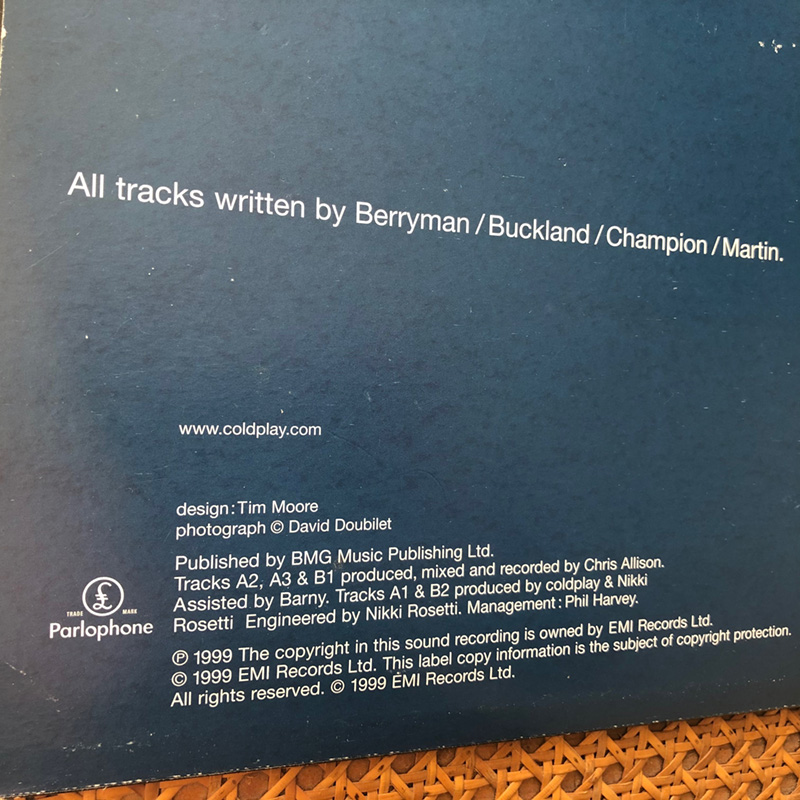
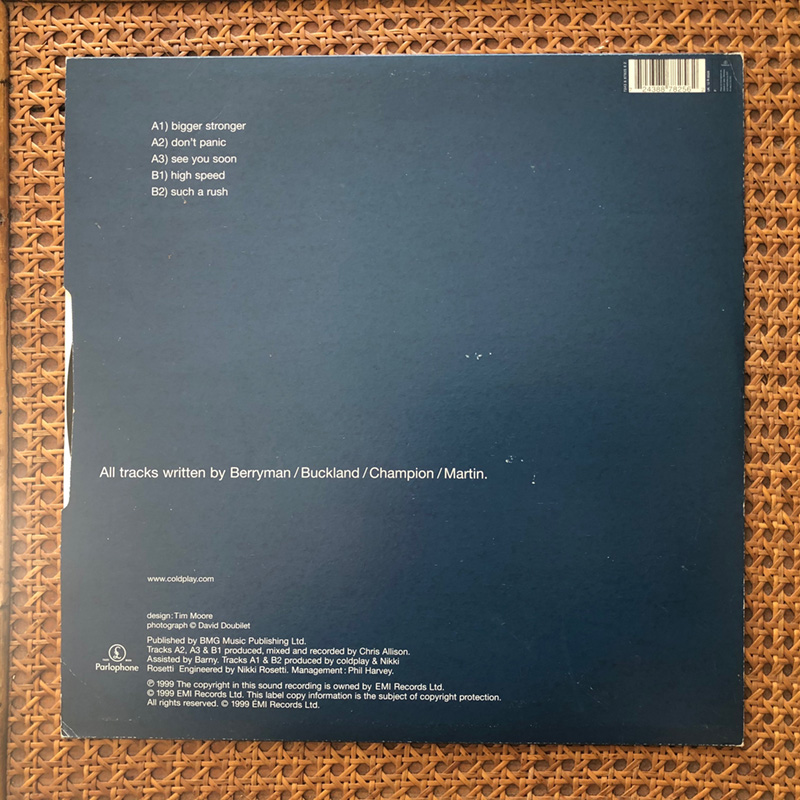
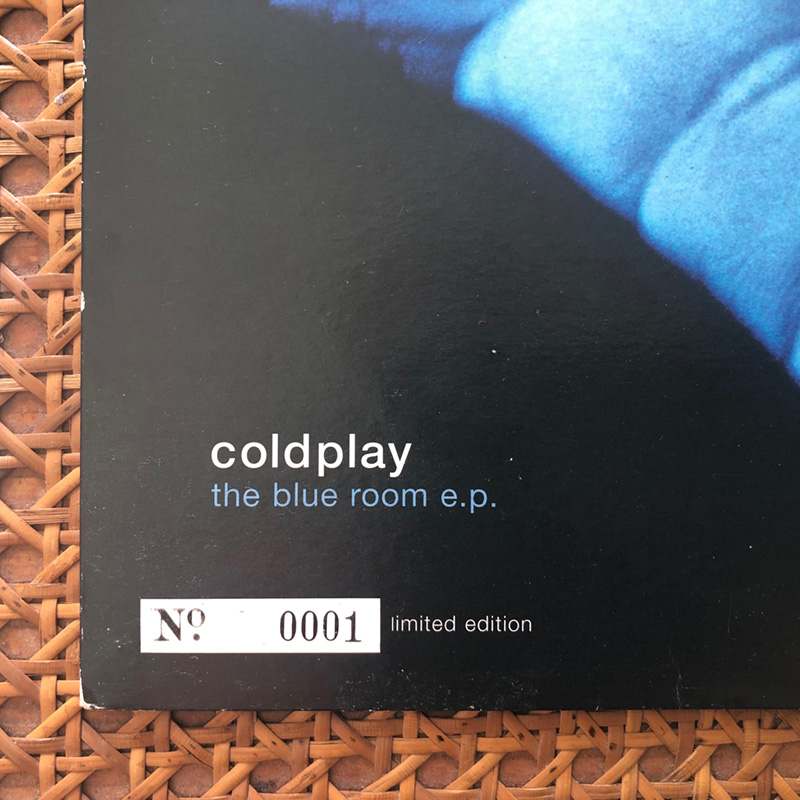
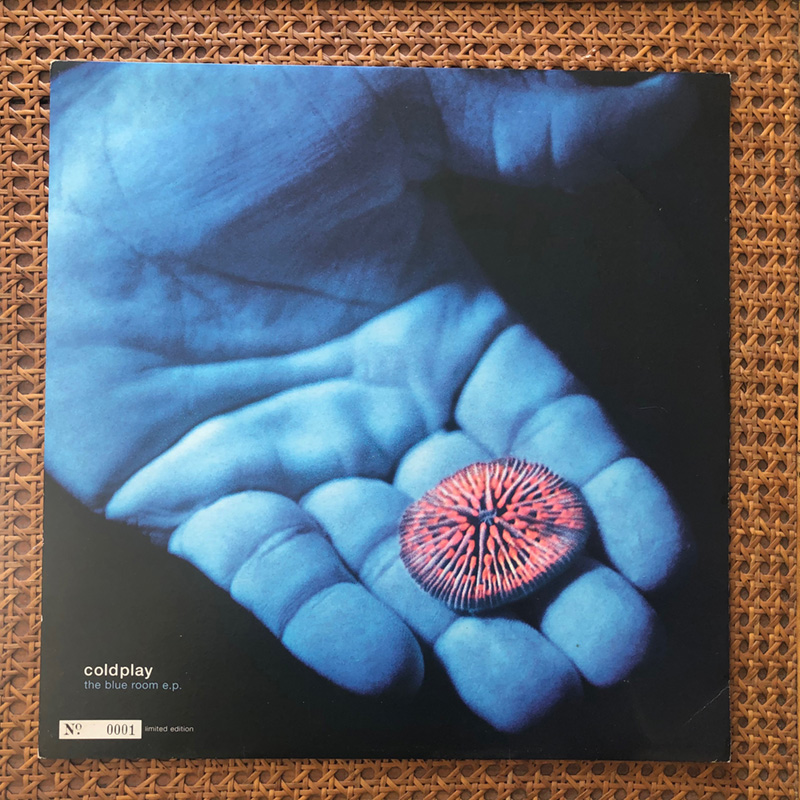
Hi Everyone My name is Tim Moore (designer & art director) I was lucky enough to design / create the first ep. release on Parlophone both the very minimal promo & the cover with the hand underwater with the coral. I met Chris Martin & the rest of the band a few times & Chris gave me a book of his on David Doubilet, you can read about all this in a nice post in 2010 here http://timeline.coldplay.com/article/art-history-3-blue-room-ep/ I have 2 copies of early covers I designed for the blue room e.p. one of which is the very first copy - Limited edition 001 its been a long time since I did this work & its time to sell these items as I am clearing up my studio for 2020. I hope to lay my hands on a few of the CD mailers I created & 1 or 2 of the blank covers Please get in touch if you are interested in these covers... I would like to know where best to sell these records because I would like them to end up with an avid collector of Coldplay material. As I am not used to this forum can anyone give me advice on where to post this .... full My very Best to you all ~ Tim Moore